Validate, collect and receipt the month’s rents
On an account filled with demonstration data: validate the month’s rent notices, one by one then all at once, follow up an unpaid rent, record its payment, then send the month’s receipts at once.
Step 1
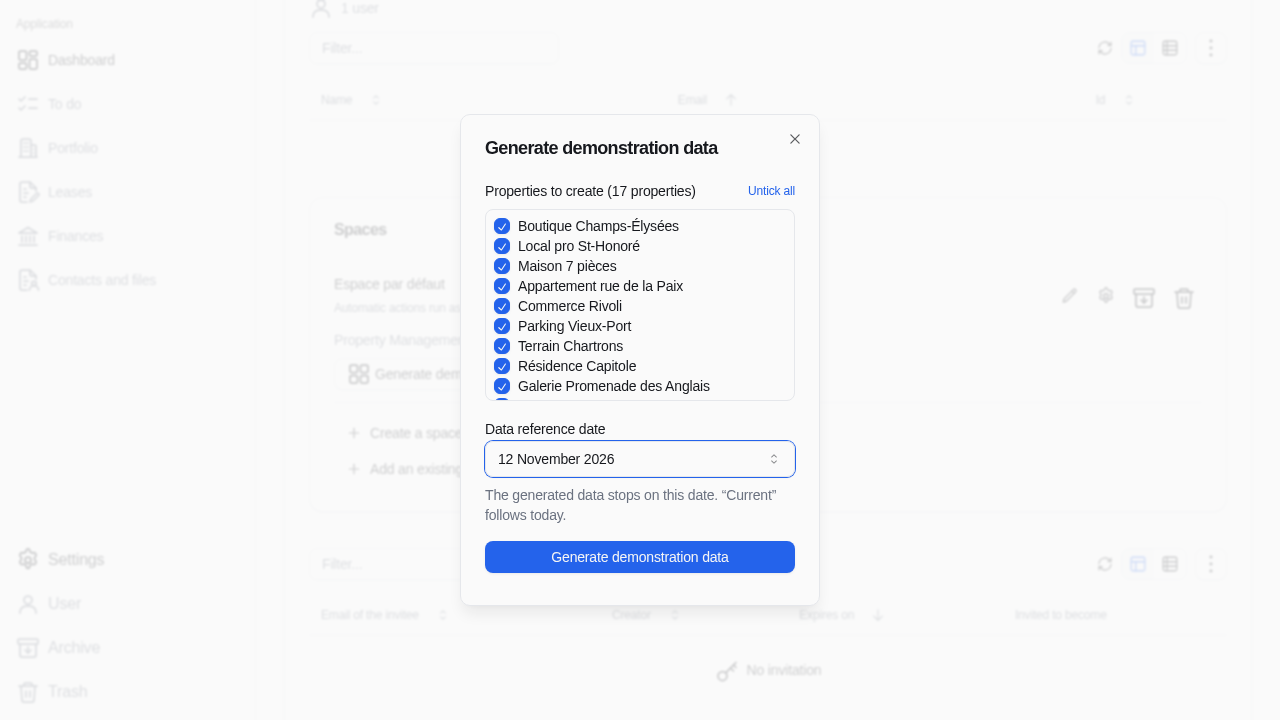
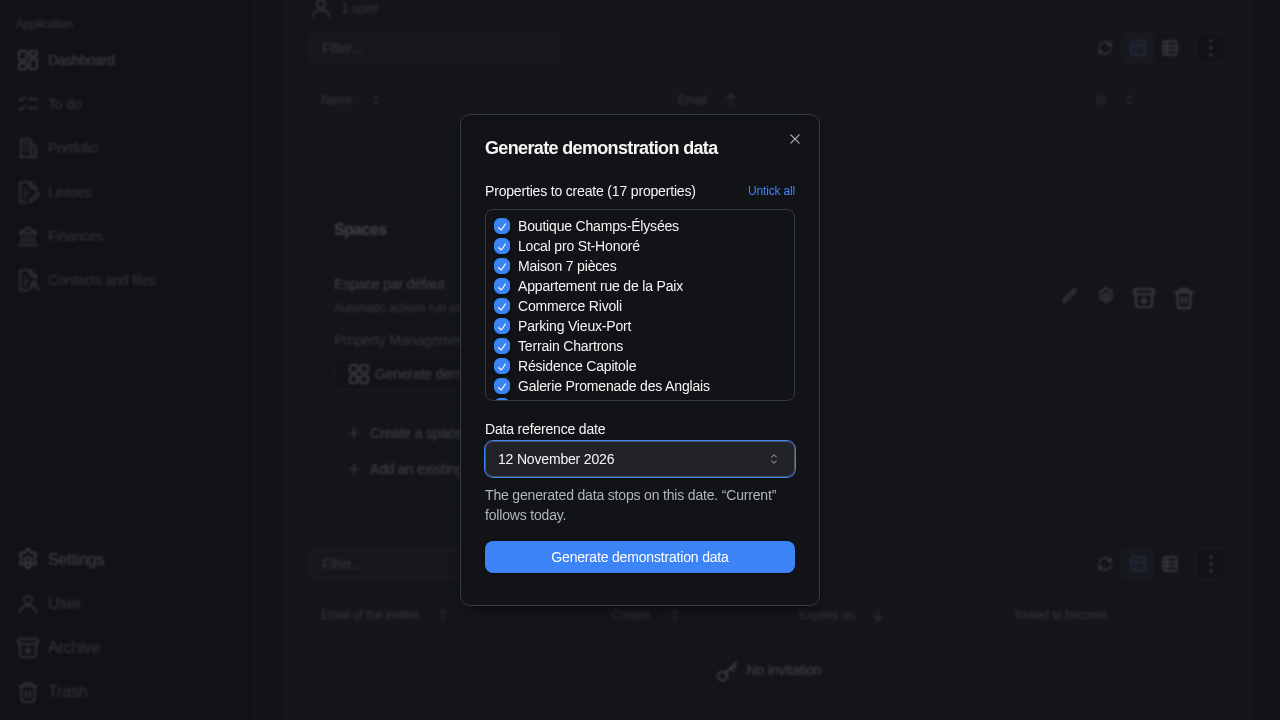
Generate demonstration data
In Settings, the Property Management section of your space offers Generate demonstration data: properties, their owners, their leases and years of rents, to try the app without typing anything. Choose the number of properties and the Data reference date, the day the data stops. Here, 17 properties as of 12 November 2026, the day after the notices of 1 December are issued.
Step 2
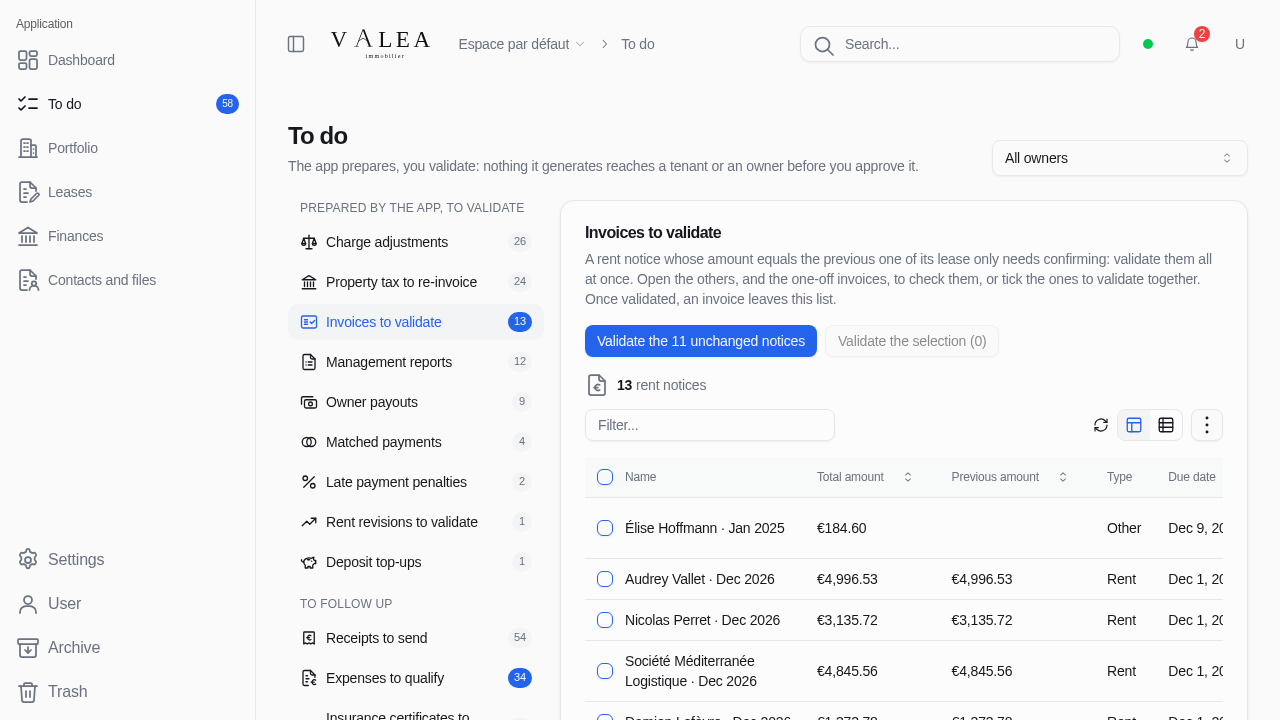
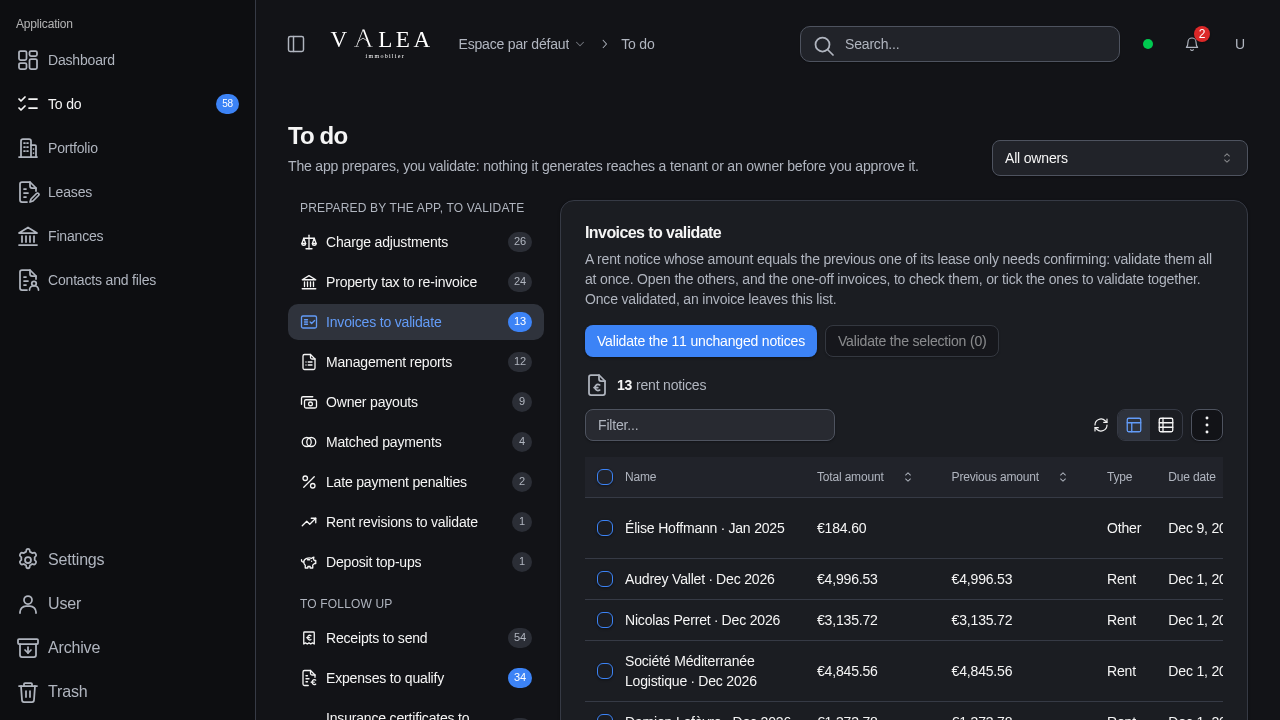
Open the invoices to validate
In the sidebar, click To do, then Invoices to validate. The rent notices issued in the last days, three weeks to a month before they are due, wait there: nothing is sent to the tenant until you have validated it.
With my agent
Connect my assistantWhich rent notices do I need to validate? For each, give the tenant, the due date and the amount.Here are the 15 rent notices that need to be validated:
Tenant Due Date Amount Julien Faure December 1, 2026 €1,350.00 Sophie Lambert December 1, 2026 €870.00 Studio Digital Parisien December 1, 2026 €5,758.03 Audrey Vallet December 1, 2026 €4,996.53 Nicolas Perret December 1, 2026 €3,135.72 Léa Fournier December 1, 2026 €1,320.33 Société Méditerranée Logistique December 1, 2026 €4,845.56 Damien Lefèvre December 1, 2026 €1,373.78 Cécile Dufour December 1, 2026 €1,028.40 Lucas Petit December 1, 2026 €664.23 Élise Hoffmann December 1, 2026 €2,493.13 Élise Hoffmann December 9, 2026 €184.60 Amira Belhaj December 1, 2026 €5,343.62 Coloc Comédie December 1, 2026 €1,547.06 Gabriel Fontaine December 1, 2026 €633.67 Step 3
Check a notice
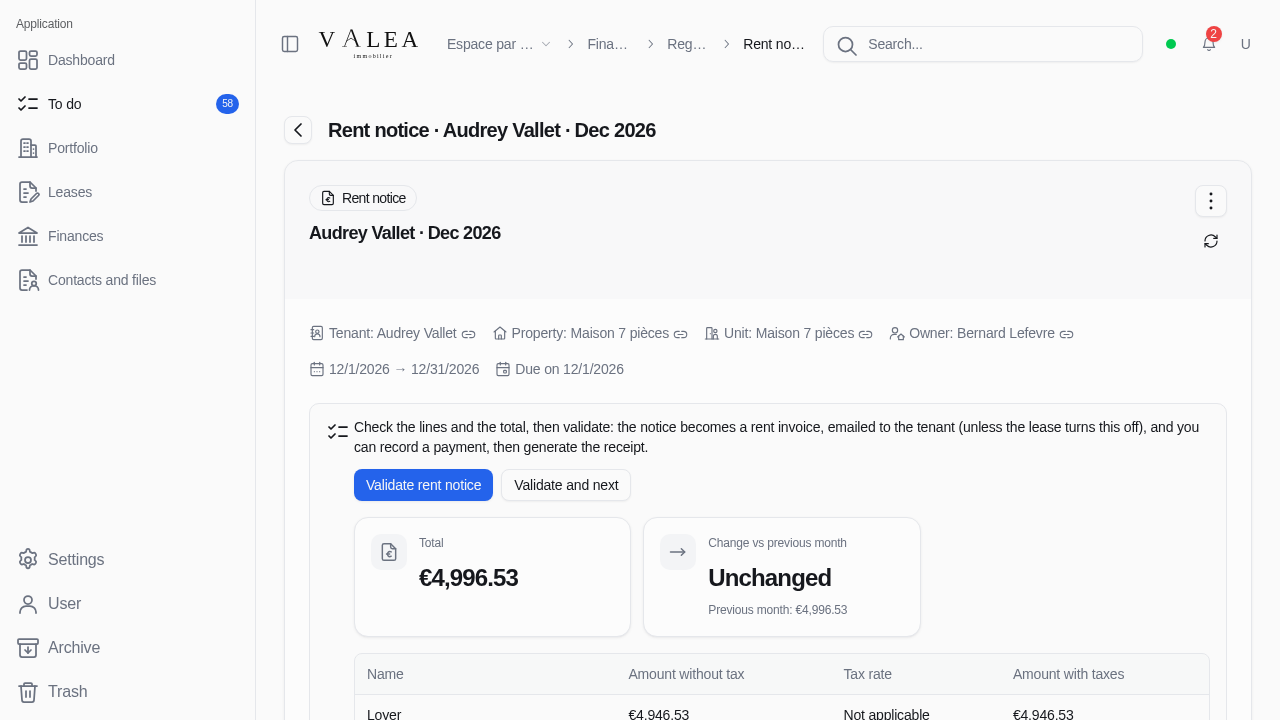
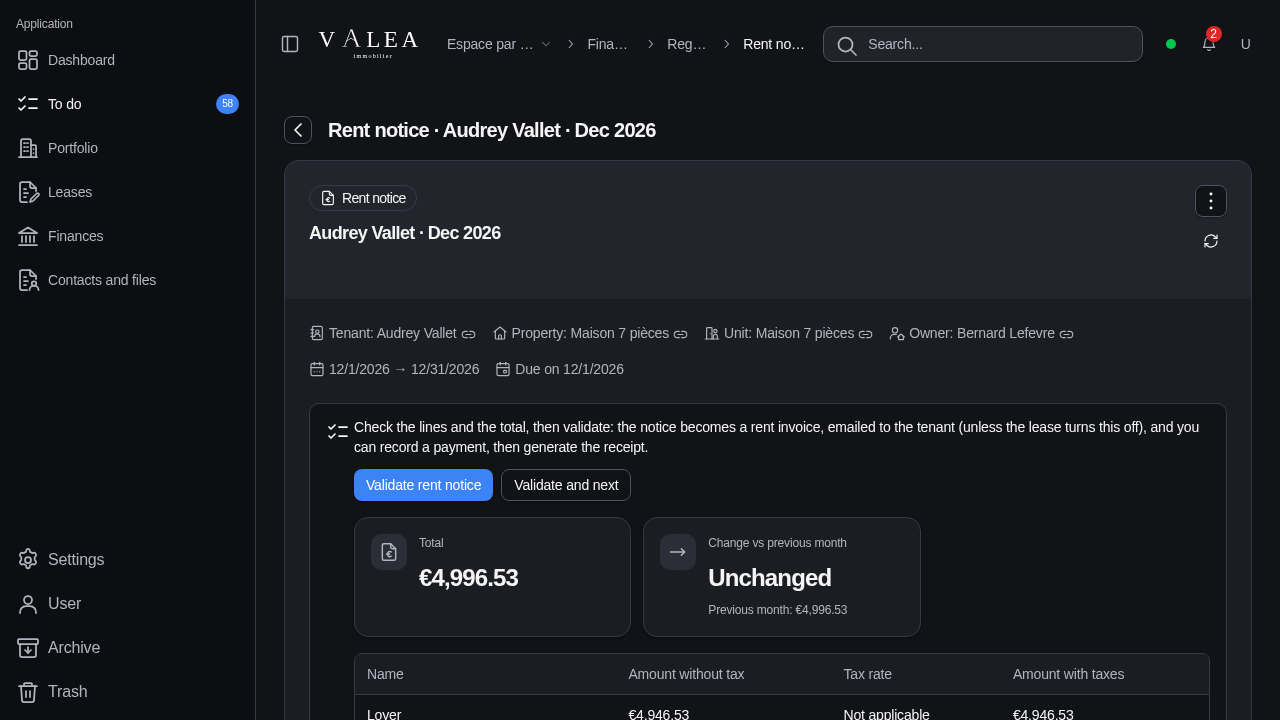
Click the due date of a notice to open it. Above the validation buttons, everything to check: the total, its change from the previous month and each line, rent and charge provisions.
Step 4
Validate and move to the next
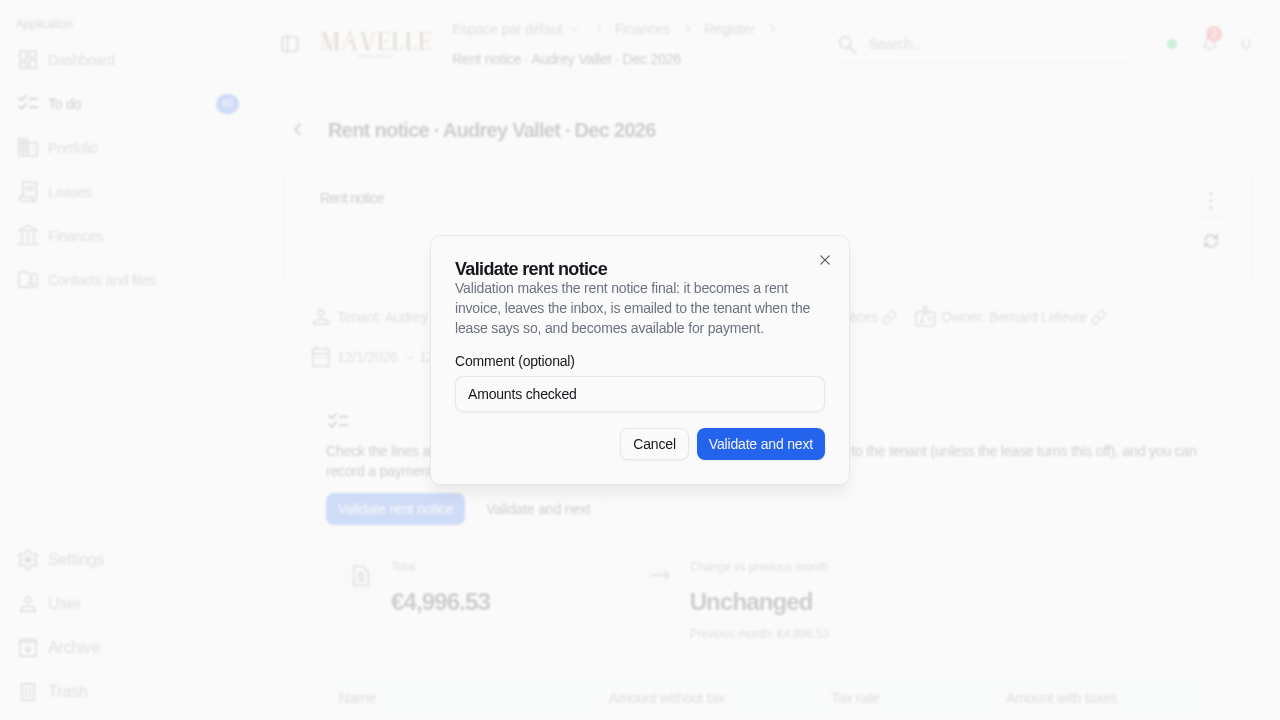
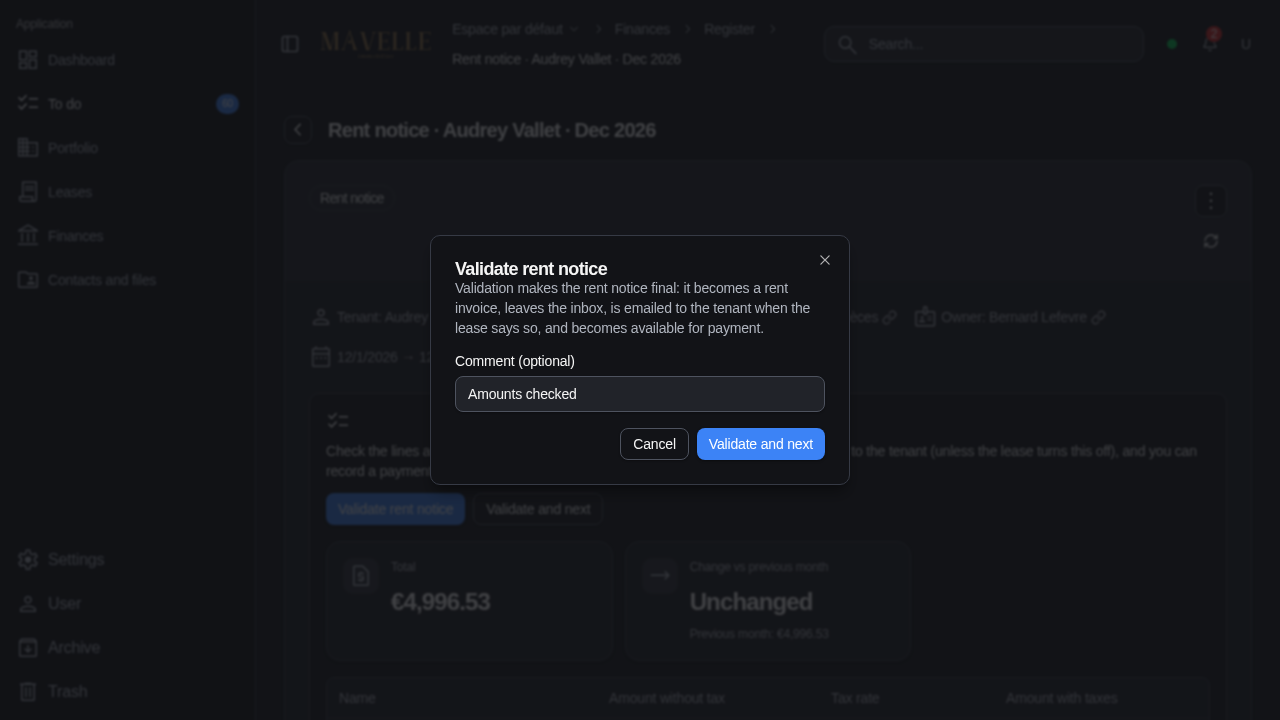
Click Validate and next, add a comment if needed, then confirm: the notice becomes a rent invoice, is emailed to the tenant when their lease says so, and the next notice of the queue opens.
Step 5
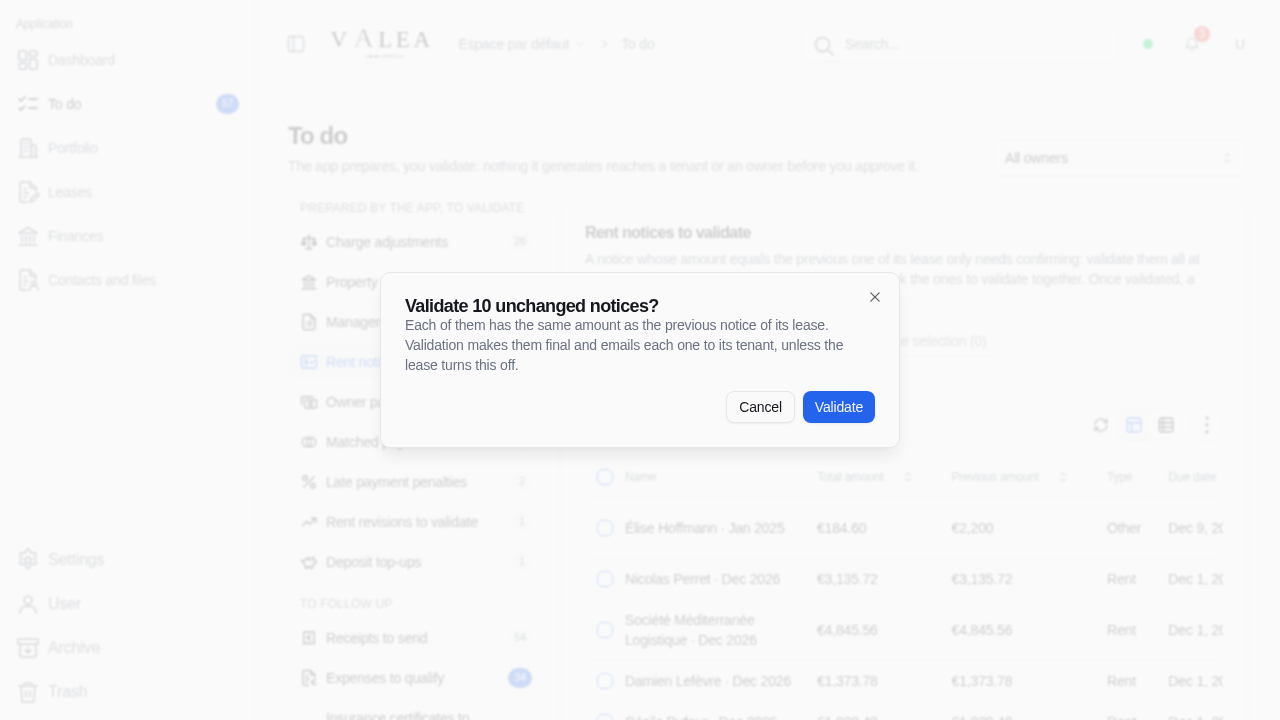
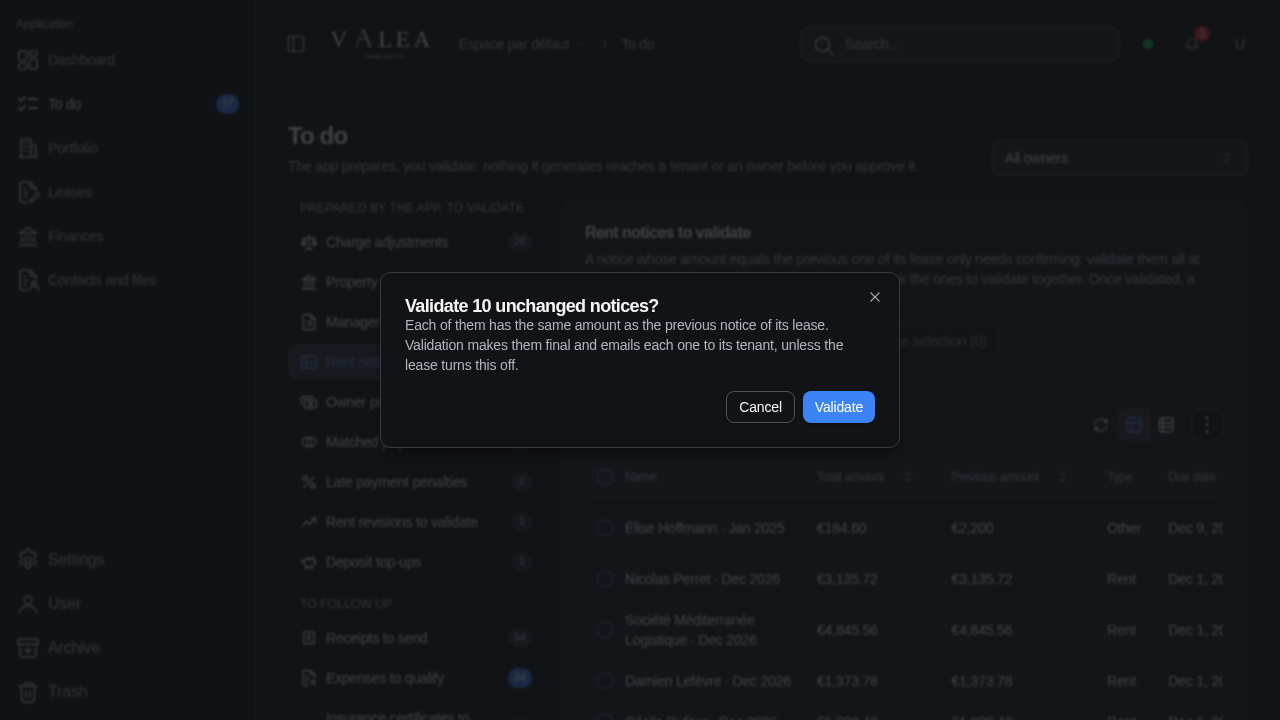
Validate every unchanged notice
A notice whose amount is the previous month’s only needs confirming. Back in the queue, Validate the unchanged notices validates them all at once; to validate only some, tick them and click Validate the selection.
With my agent
Connect my assistantValidate every rent notice whose amount has not changed since the previous month.All 14 rent notices whose amounts have remained unchanged since the previous month have been successfully validated:
- Julien Faure — €1,350.00
- Sophie Lambert — €870.00
- Studio Digital Parisien — €5,758.03
- Audrey Vallet — €4,996.53
- Nicolas Perret — €3,135.72
- Léa Fournier — €1,320.33
- Société Méditerranée Logistique — €4,845.56
- Damien Lefèvre — €1,373.78
- Cécile Dufour — €1,028.40
- Lucas Petit — €664.23
- Amira Belhaj — €5,343.62
- Coloc Comédie — €1,547.06
- Gabriel Fontaine — €633.67
- Élise Hoffmann — €2,493.13
(Note: The second notice for Élise Hoffmann for €184.60 was not validated as it corresponds to a changed or pro-rated amount).
Step 6
See the unpaid rents
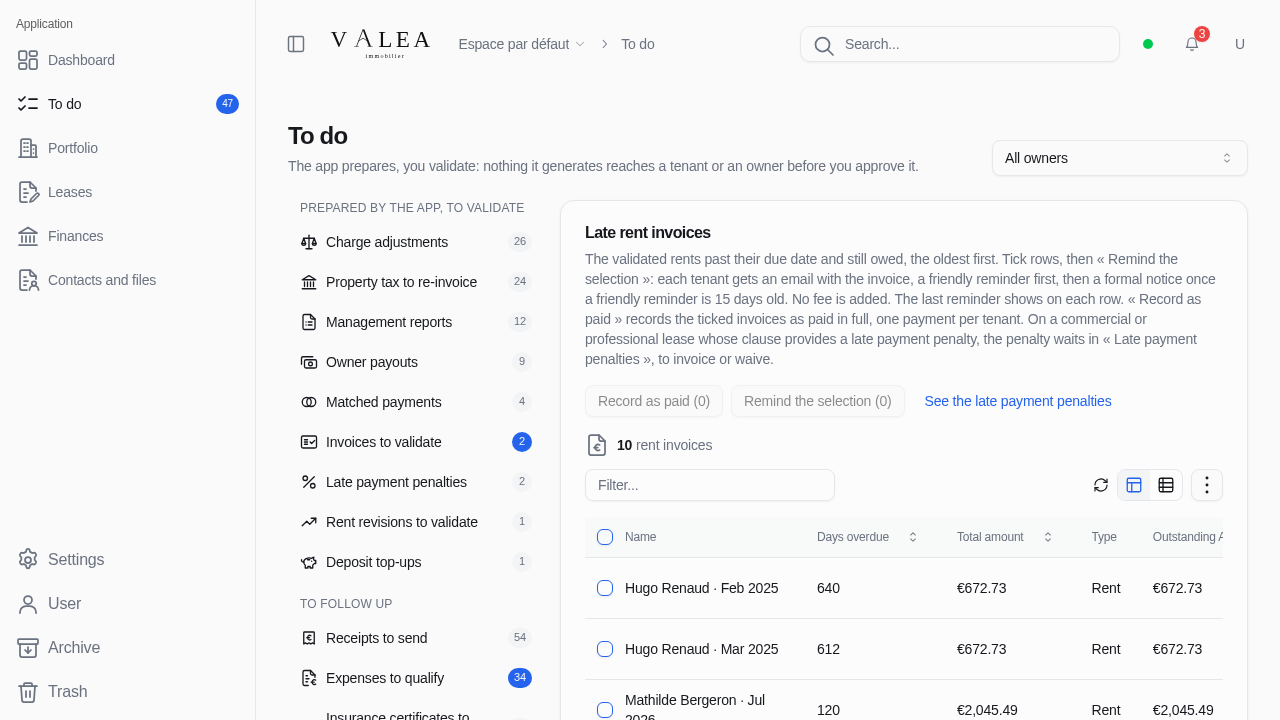
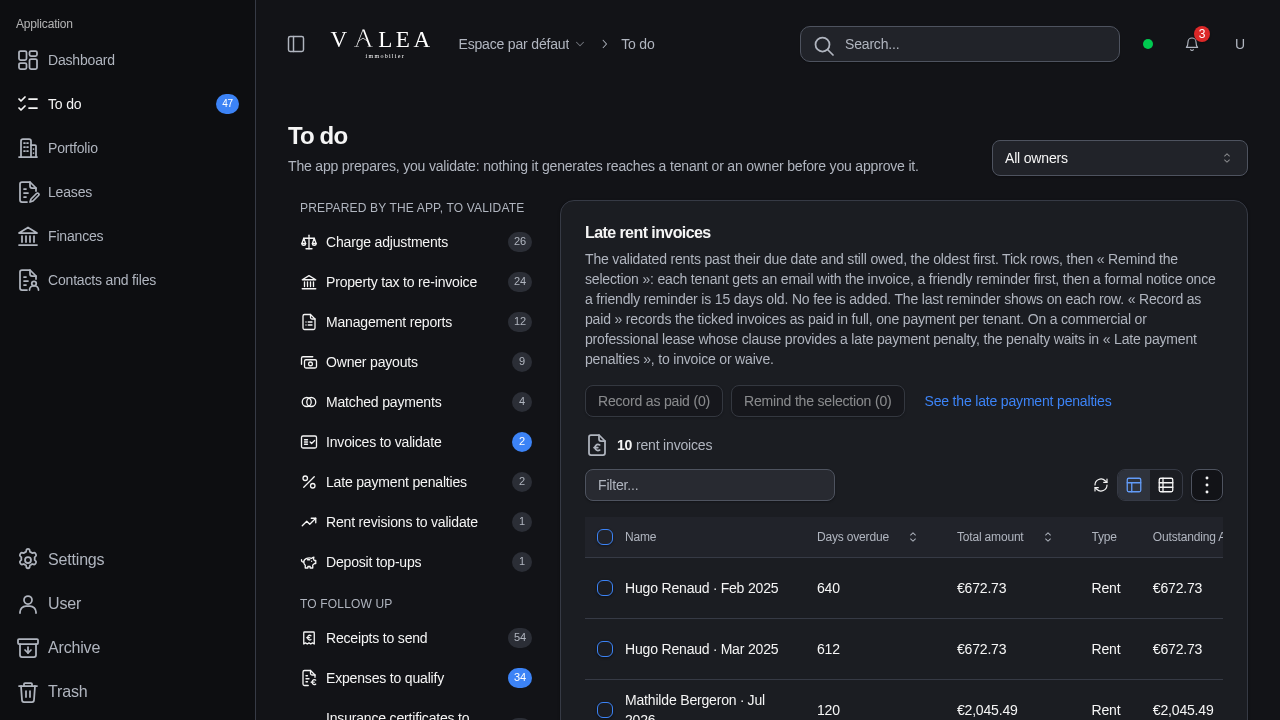
The Late rent invoices queue lists the validated invoices past their due date and still owed, the oldest first, with what is left to pay: the ones to follow up.
With my agent
Connect my assistantWhich of Hugo Renaud’s rent invoices are still unpaid? For each, give the due date and the amount still owed.Hugo Renaud has 2 unpaid rent invoices:
Due Date Total Amount Amount Still Owed February 10, 2025 €672.73 €672.73 March 10, 2025 €672.73 €672.73 Total unpaid balance: €1,345.46
Step 7
Open an unpaid invoice
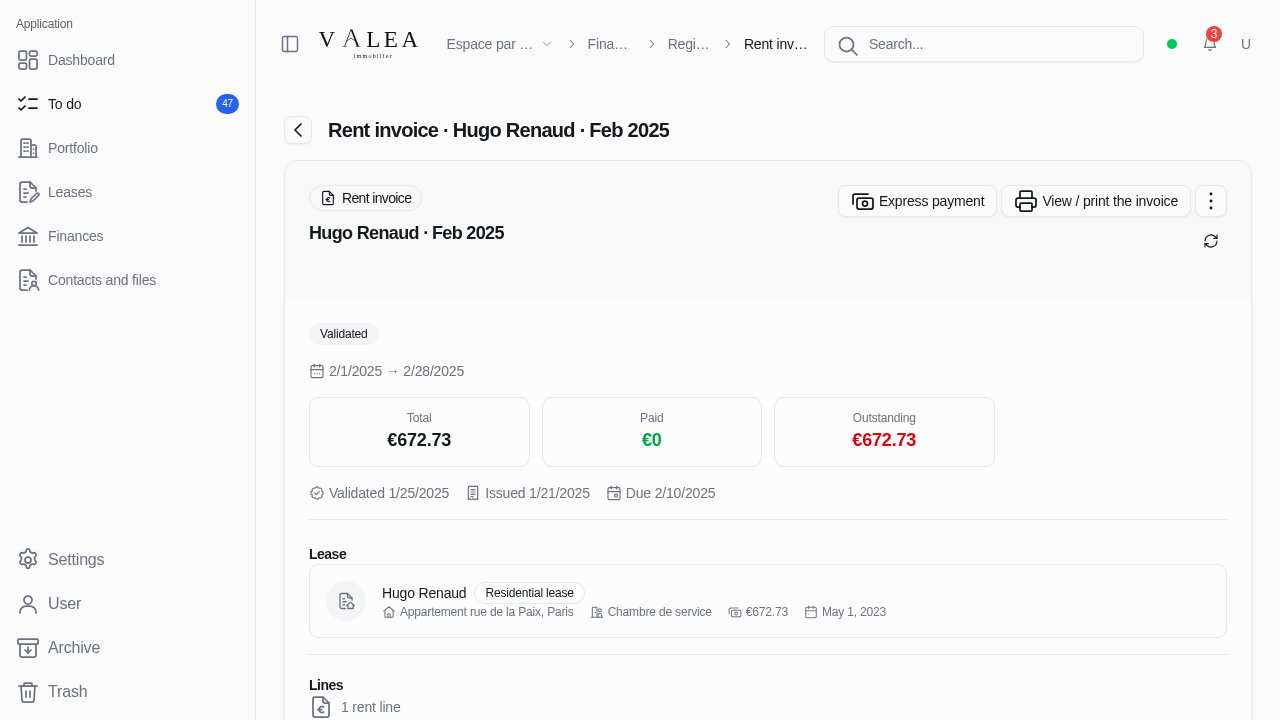
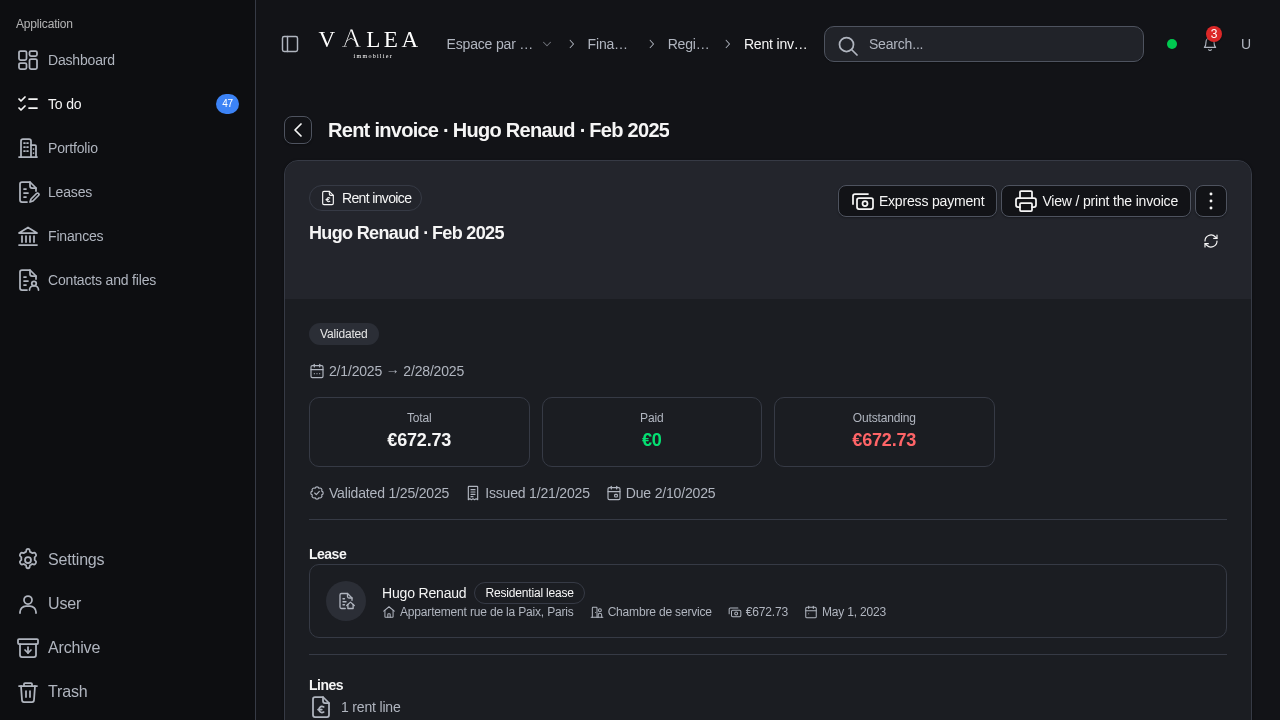
Click its due date: the invoice shows its total amount, what has already been paid and what is still owed.
Step 8
Record the payment
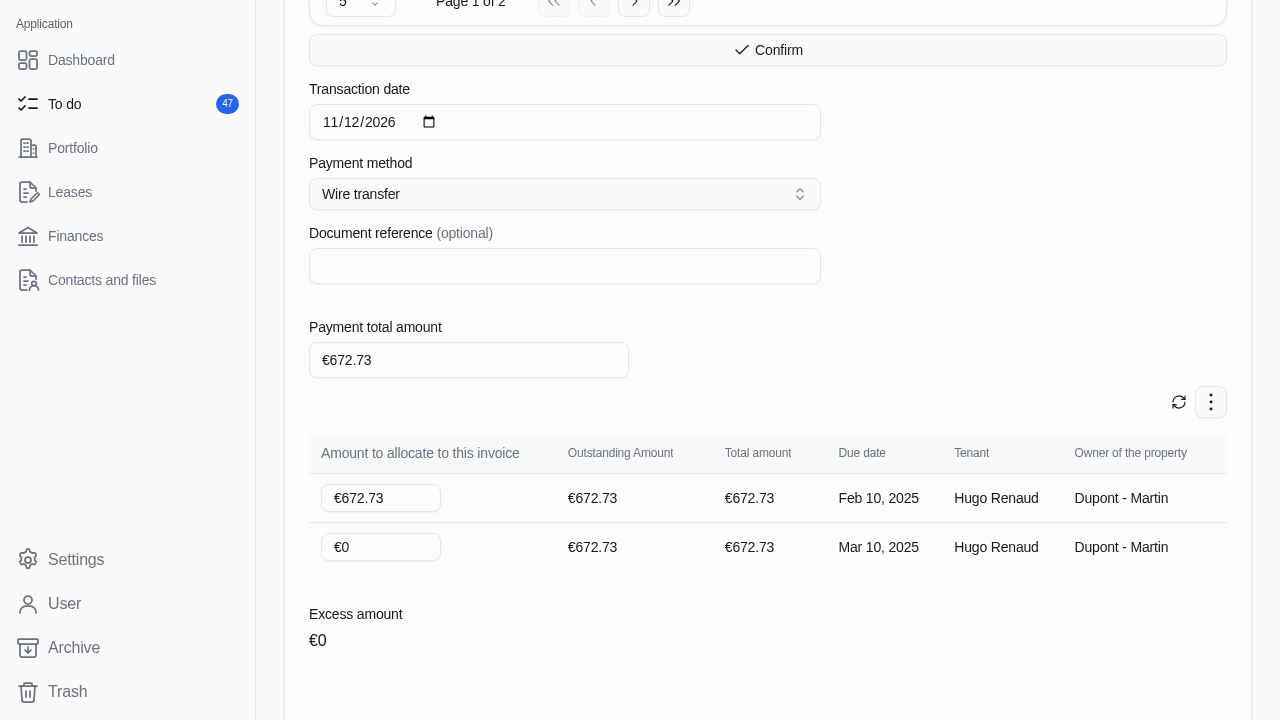
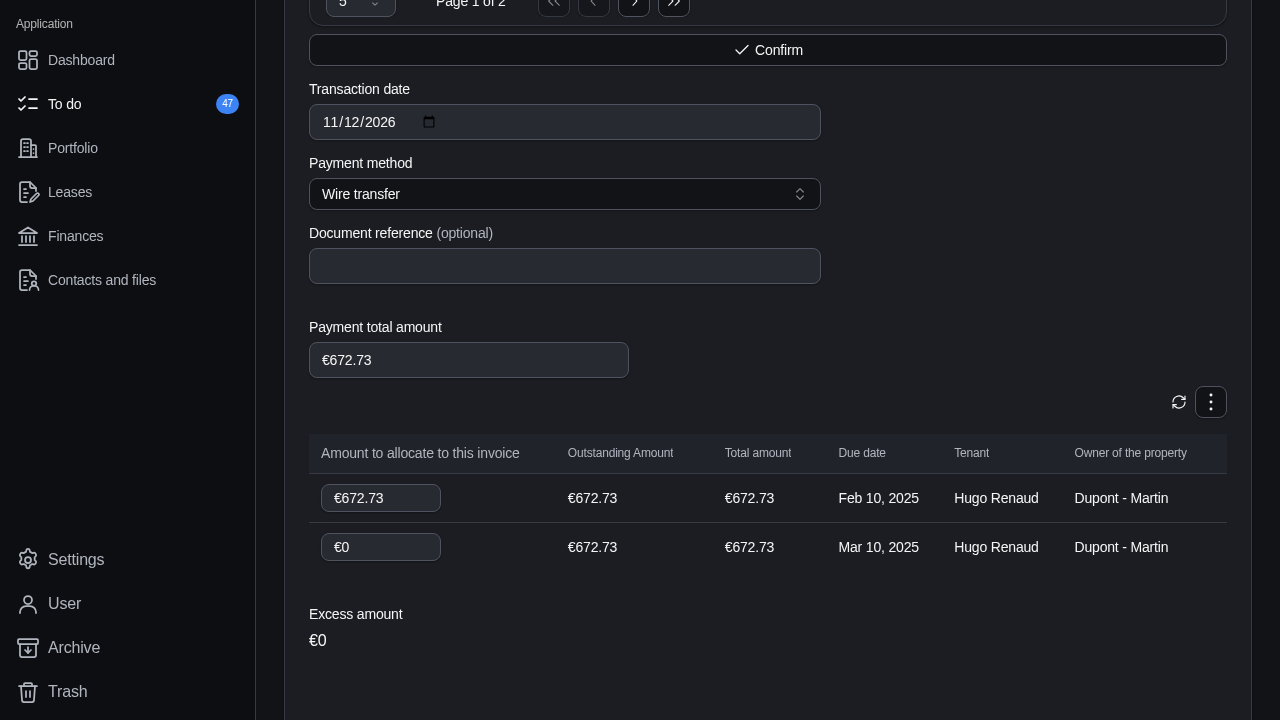
The tenant’s transfer has arrived: click Express payment. The payment is already linked to the tenant and the owner, with their unpaid invoices. Type the Payment total amount, the date and the payment method: the amount is allocated to the invoices, the oldest first.
With my agent
Connect my assistantHugo Renaud paid his rent invoice of 10 February 2025 by bank transfer on 12 November 2026: record the payment.The payment has been successfully recorded:
- Tenant: Hugo Renaud
- Invoice Due Date: February 10, 2025
- Amount Paid: €672.73
- Payment Date: November 12, 2026
- Payment Method: Bank Transfer
Step 9
Check what the payment settles
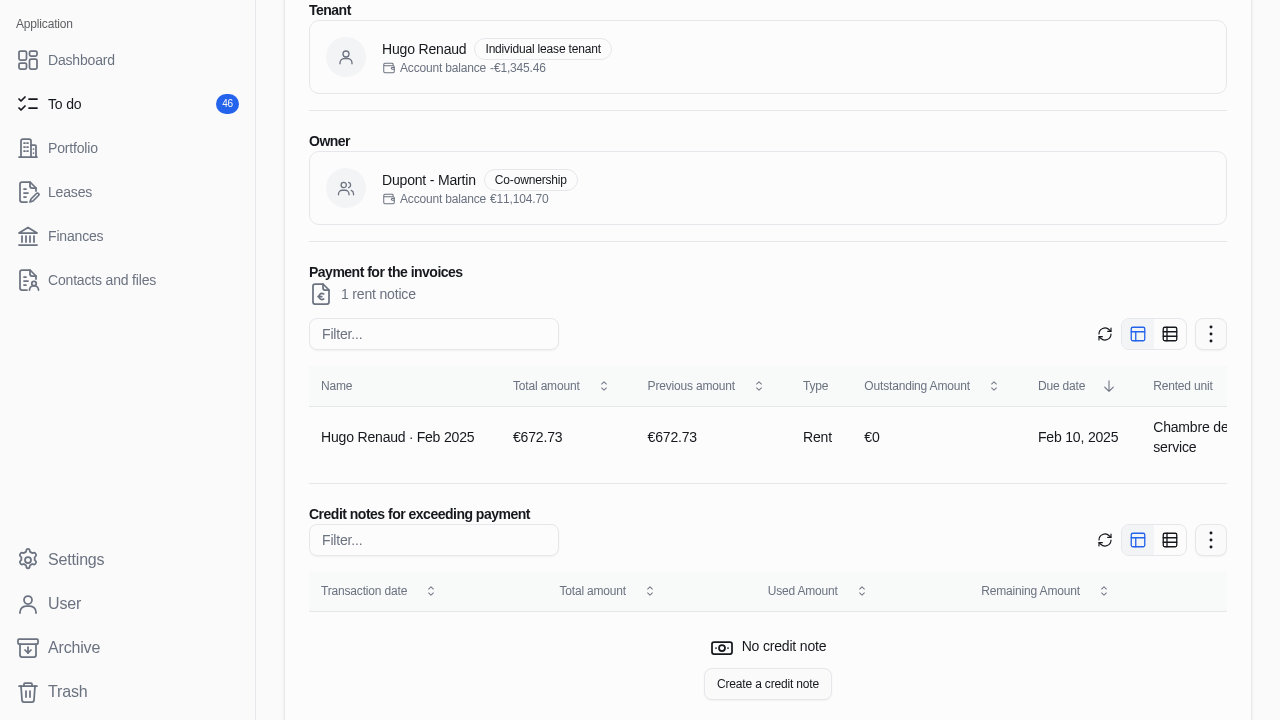
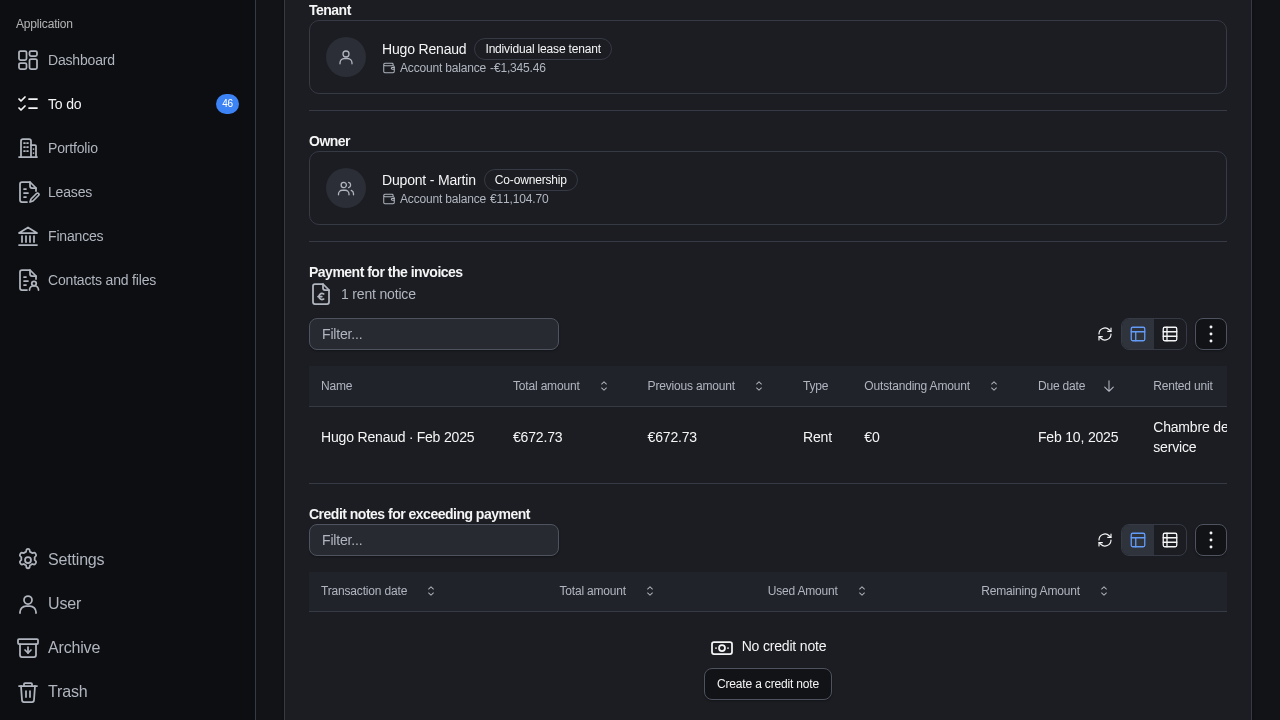
Save: the payment’s page opens, with the invoices it settles. Nothing is left to pay on the February one, which leaves the unpaid queue.
Step 10
Generate the receipt
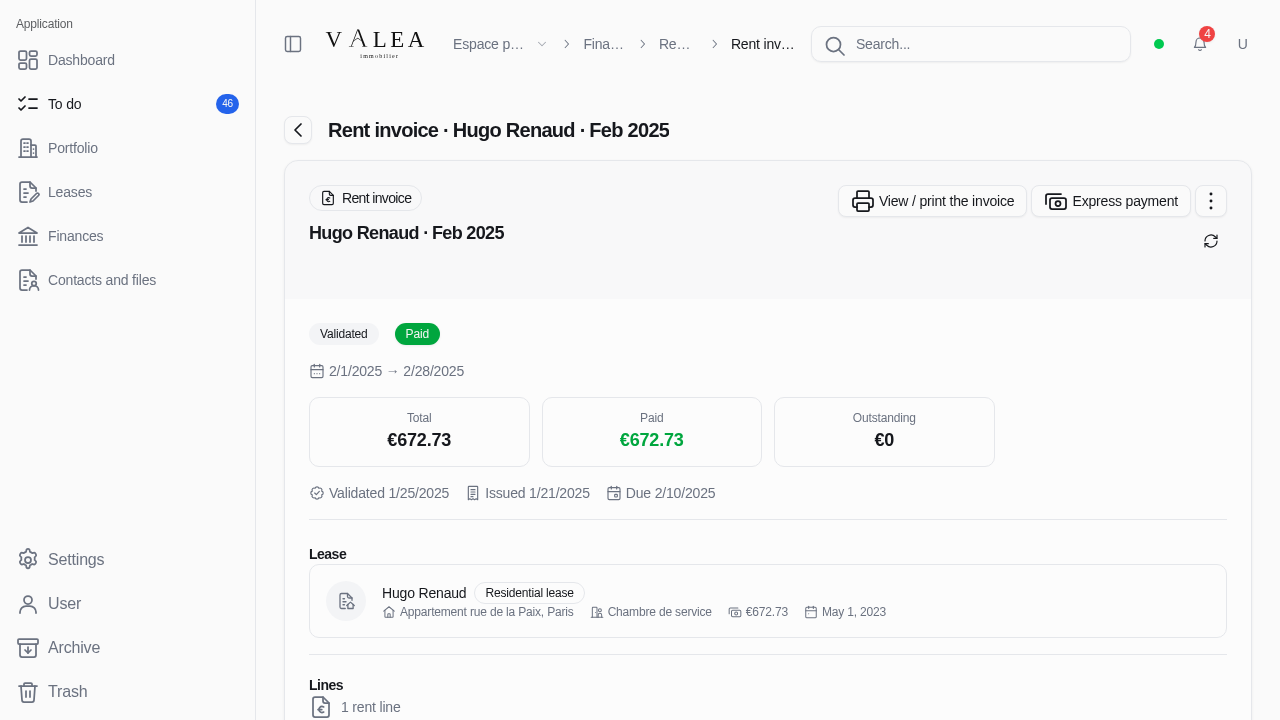
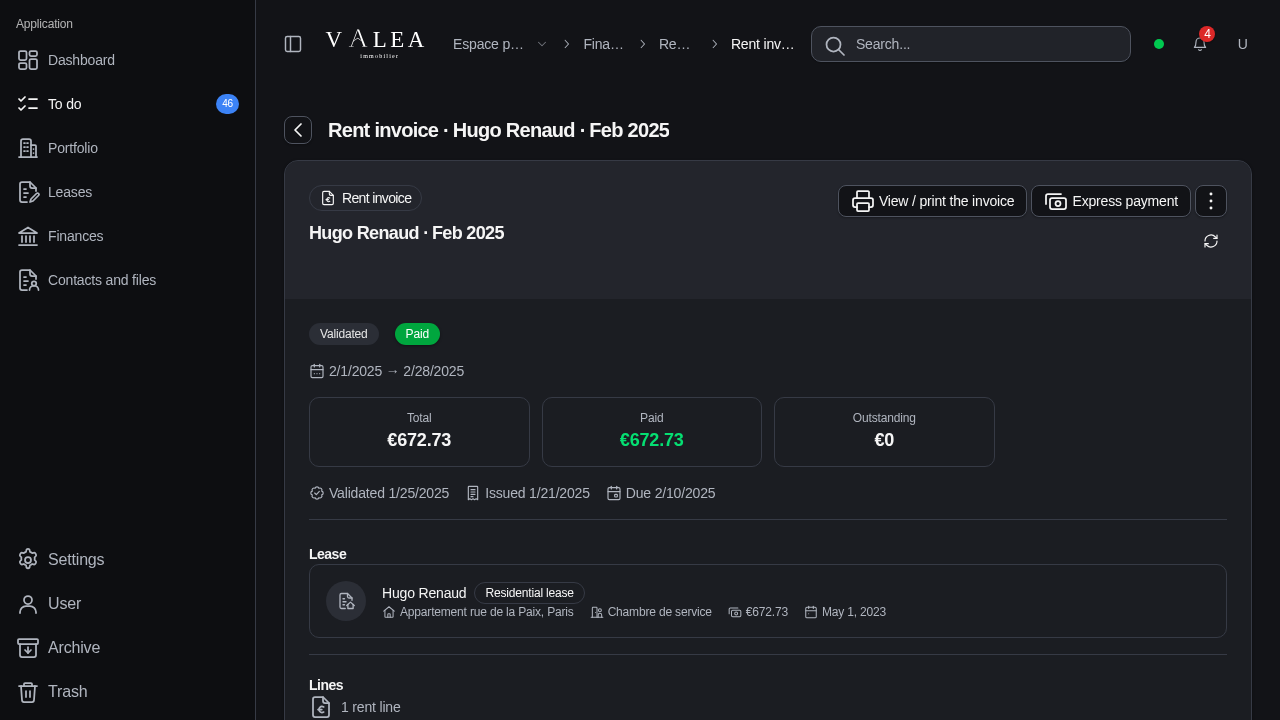
An invoice paid in full is owed its receipt: open it from the payment, by its due date, and click Generate receipt. It is created in a few seconds, as a PDF, ready to be sent to the tenant; the invoice itself is paid.
With my agent
Connect my assistantGenerate the receipt of this invoice.The receipt (quittance de loyer) for Hugo Renaud’s invoice of February 10, 2025 (€672.73) has been successfully generated.
Step 11
Open the receipts to send
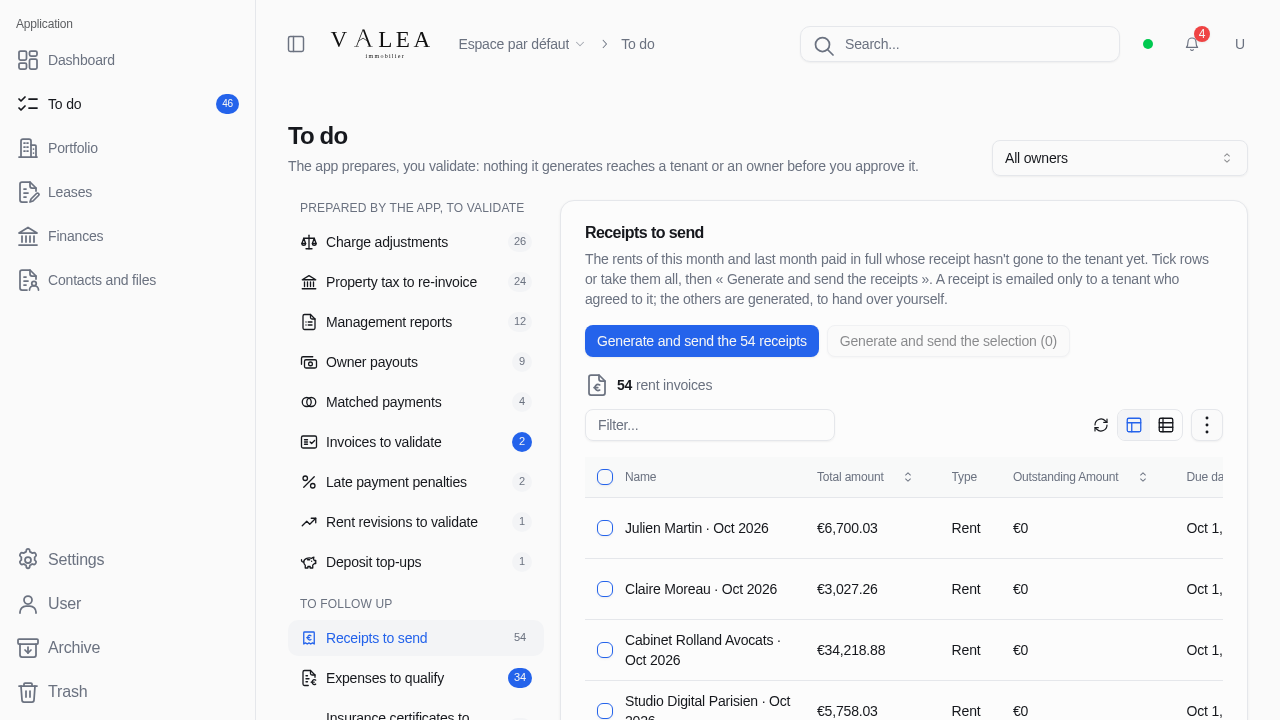
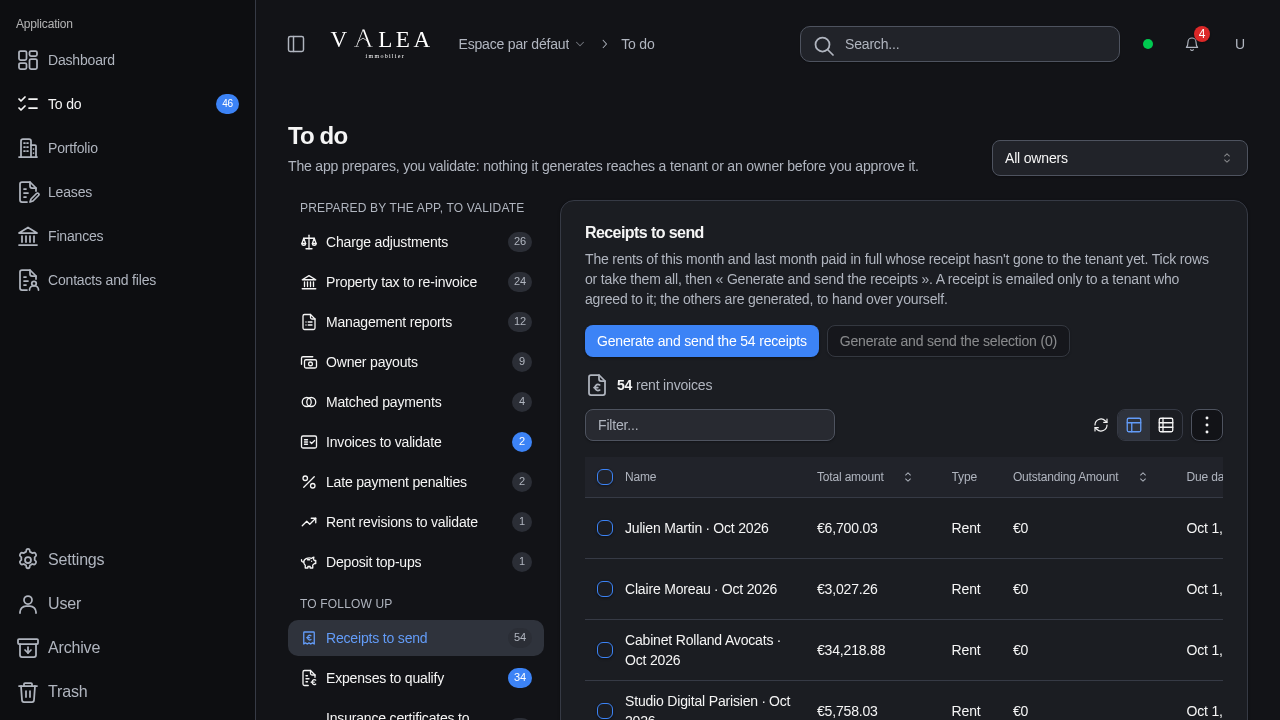
The Receipts to send queue lists the rents of this month and last month paid in full whose receipt has not gone out yet: Hugo Renaud’s is generated; the October and November rents remain. The older rents make a single History line, to send or dismiss at once.
Step 12
Send the month’s receipts
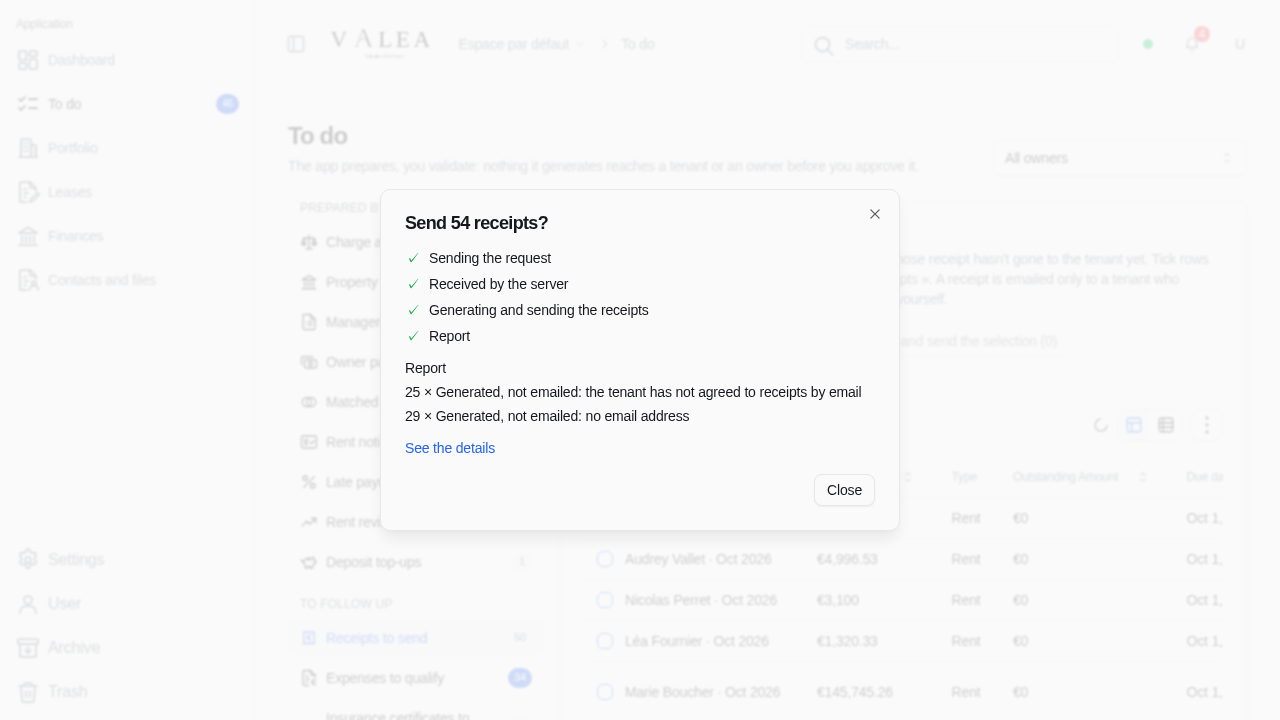
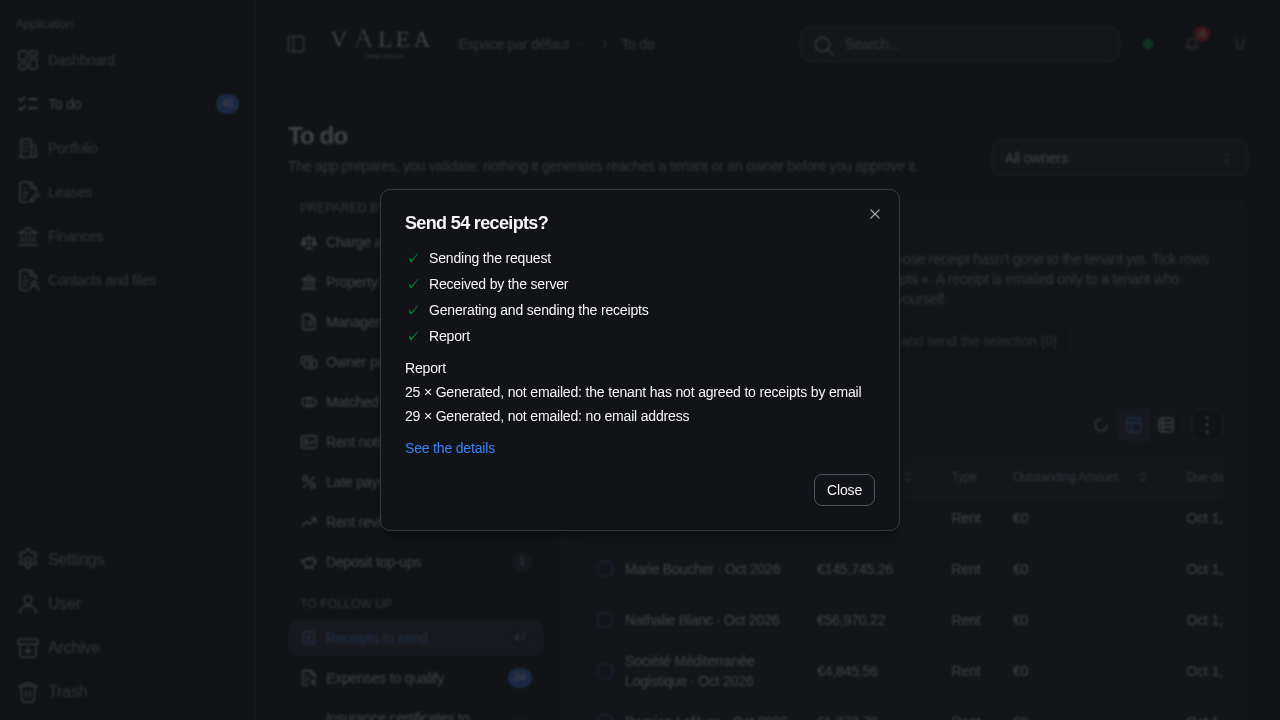
Click Generate and send the receipts, or tick rows and send the selection, then confirm. Each missing receipt is generated and emailed to the tenant who agreed to it; without their consent, the law of 6 July 1989 forbids it: their receipt is generated, to hand over yourself. The report says what went out.
Try it with the demo
Discover the app with a demo account filled with sample data.