The 2072 recap and the FEC of an SCI
On an account filled with demonstration data: prepare the 2072-S rental income return of an SCI under the income tax and export it as a PDF, then export the FEC of an SCI under the corporate tax keeping its own books.
Step 1
Open the page of an SCI under the income tax
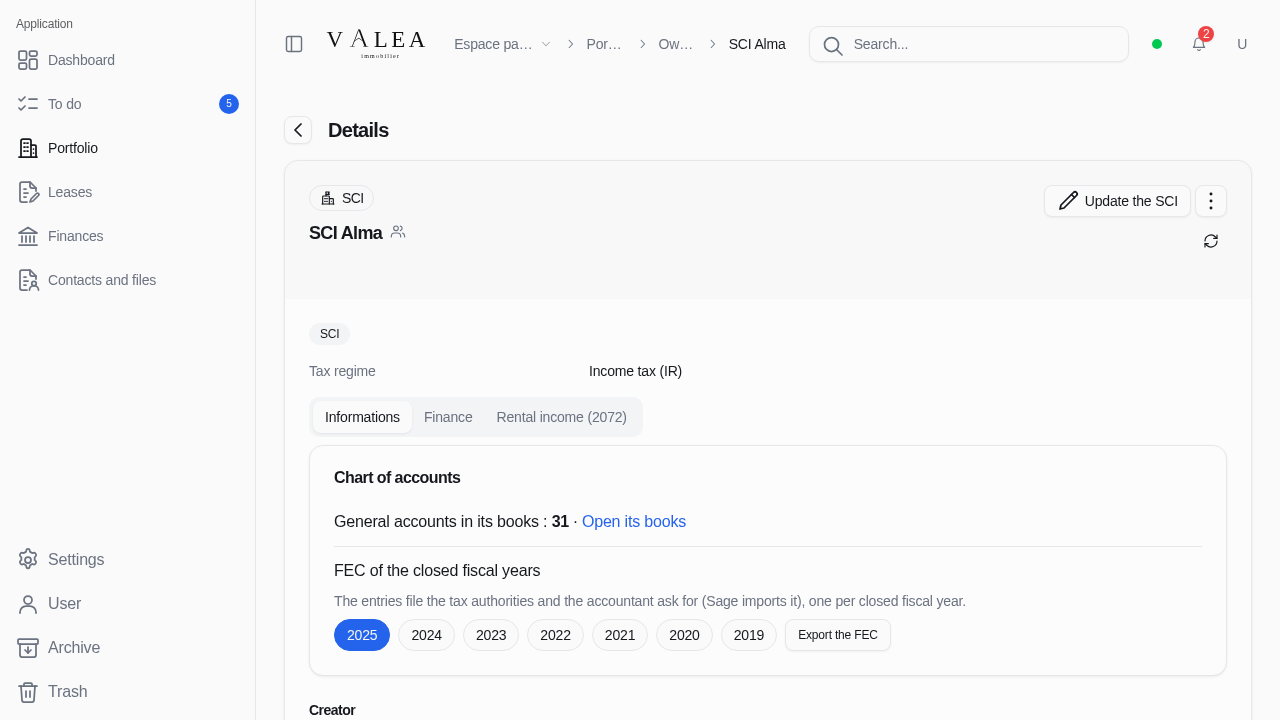
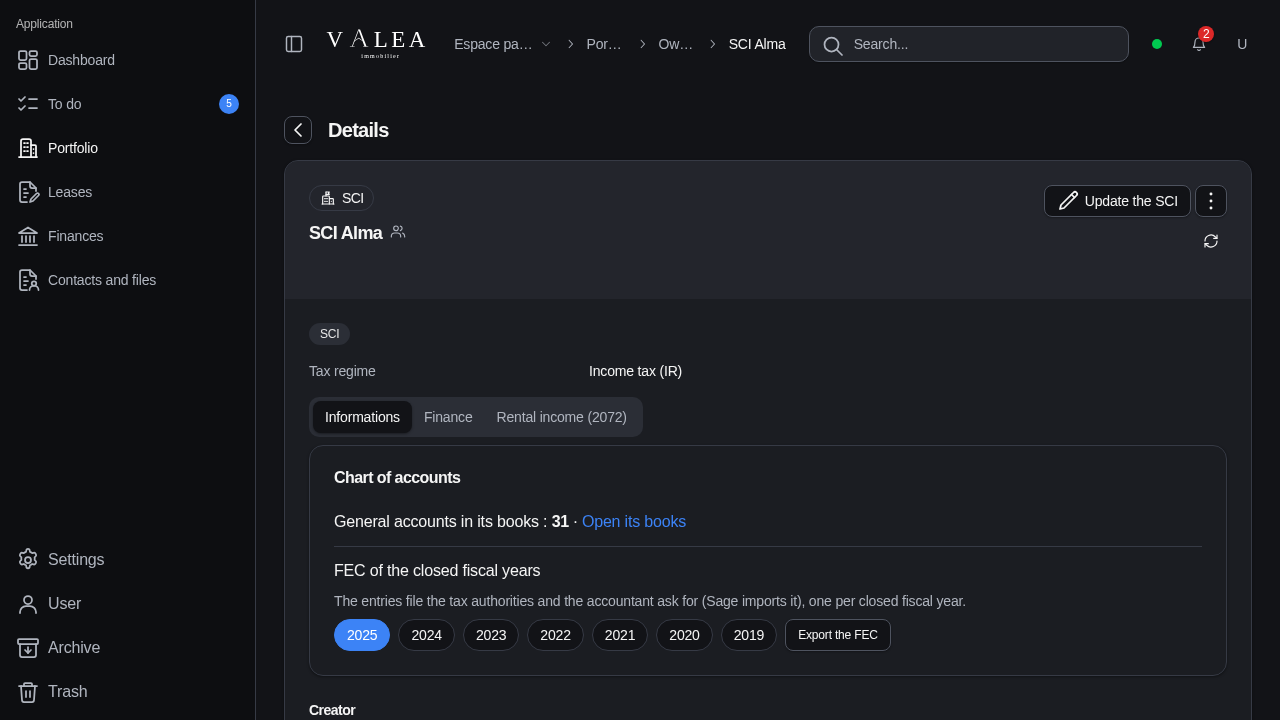
On an account filled with demonstration data (17 properties as of 12 November 2026, from Settings), click Portfolio in the sidebar, then the Owners tab, and open SCI Alma, which lets professional premises, a law firm’s among them. Its page shows its tax regime: Income tax (IR). Its partners declare its rental income, which the SCI sums up on the 2072-S return.
Step 2
Read its 2072 recap
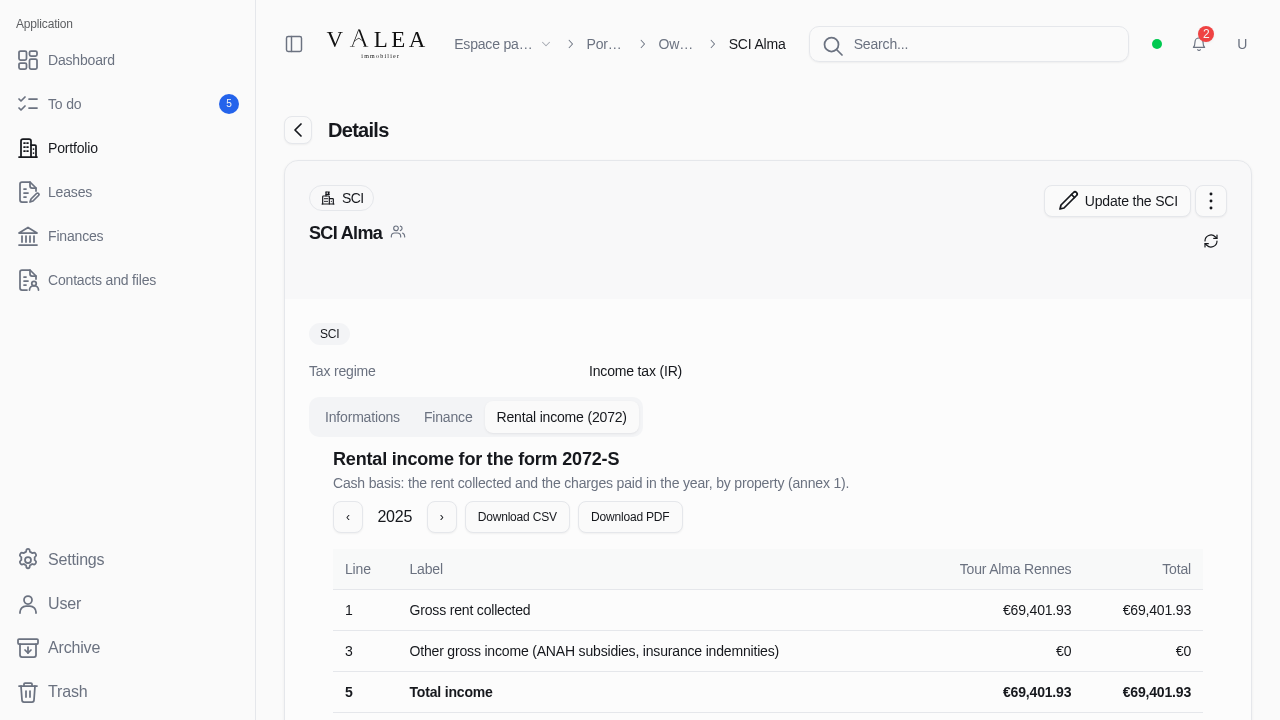
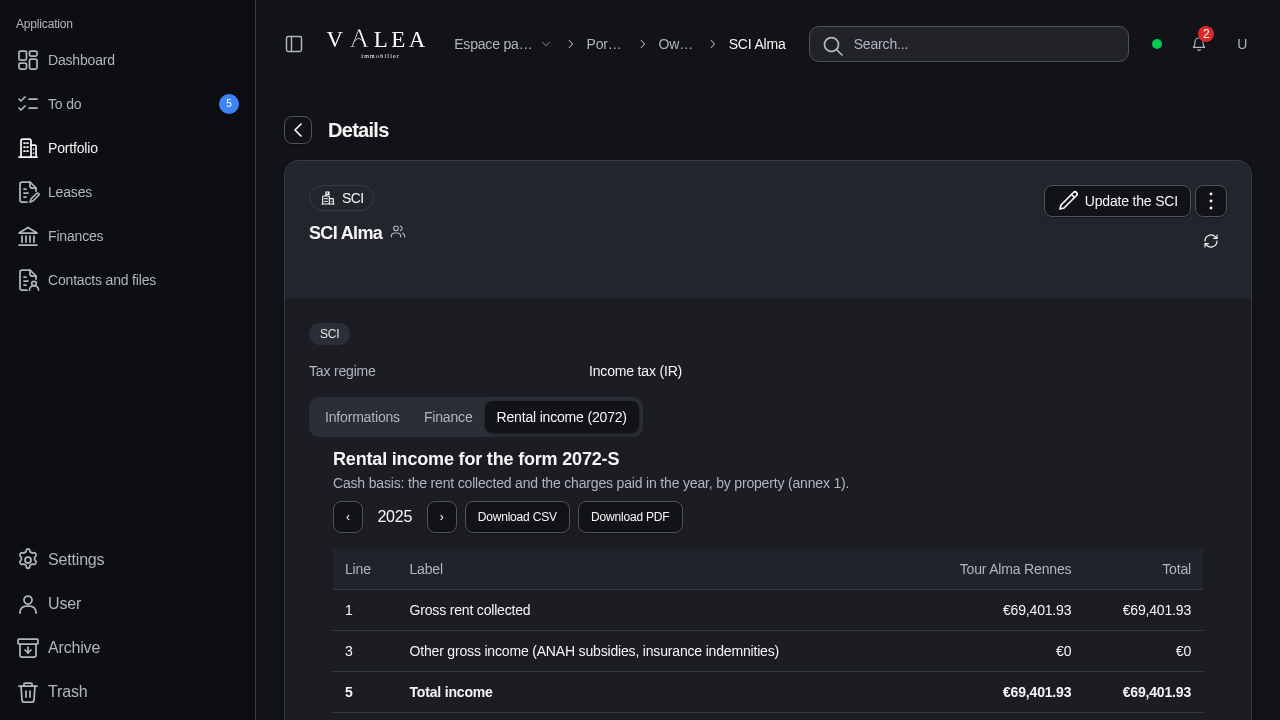
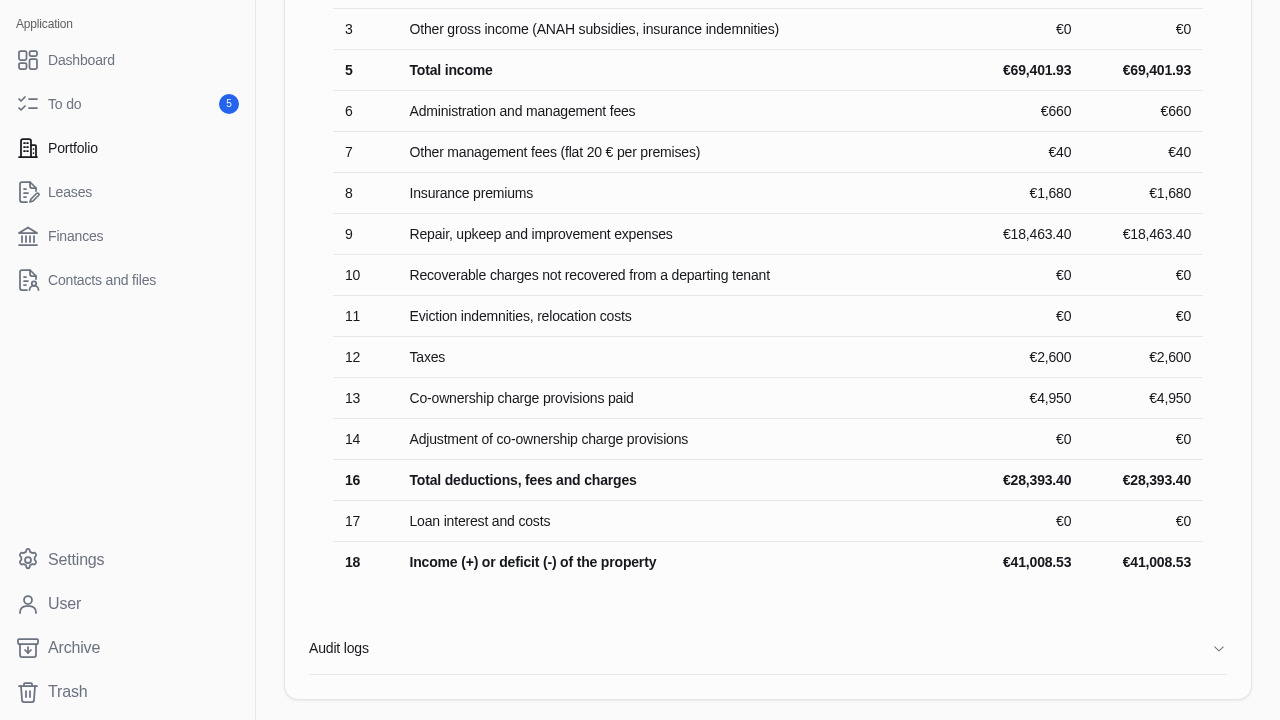
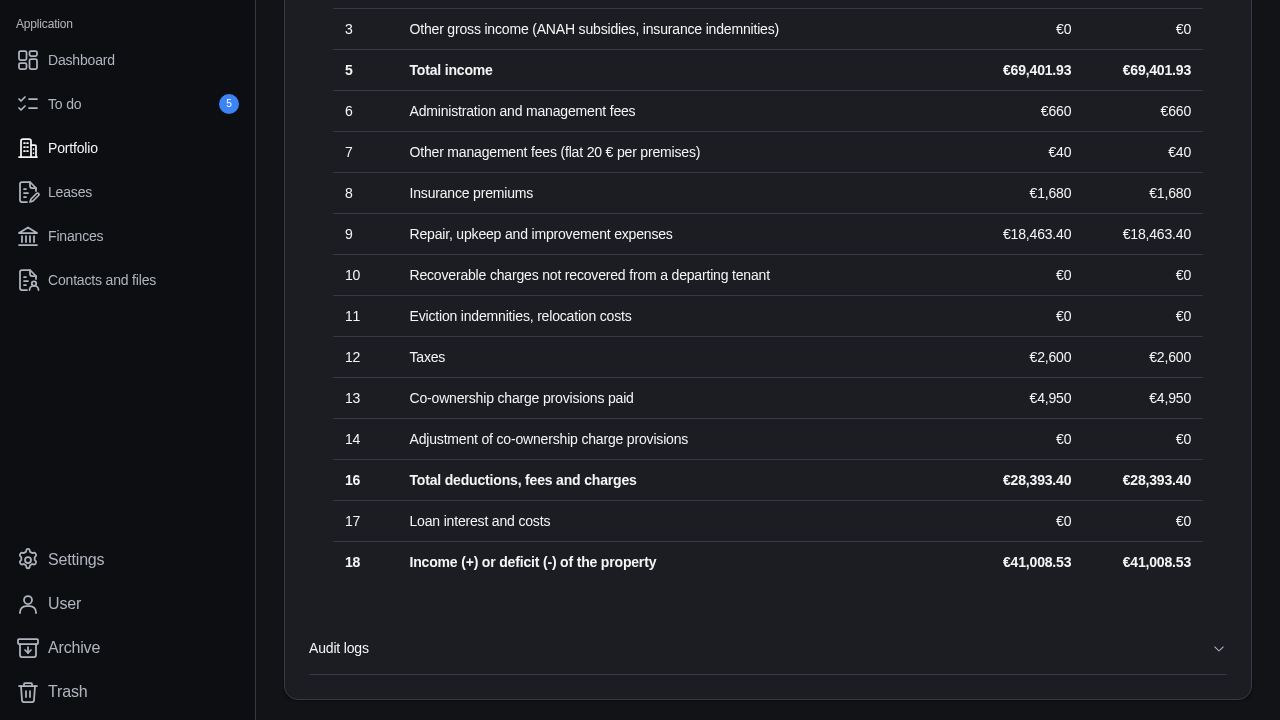
Click the Rental income (2072) tab. The previous year shows, here 2025: each line of the return, by property and in total, on a cash basis (the rents collected and the charges paid in the year). The arrows change the year; the charges without a tax category are listed apart, to classify.
Step 3
Export it as a PDF
Click Download PDF: the recap opens in a new tab, ready to hand the accountant, and stays saved in the space. Download CSV gives the same figures for a spreadsheet.
Step 4
An SCI under the corporate tax keeping its books
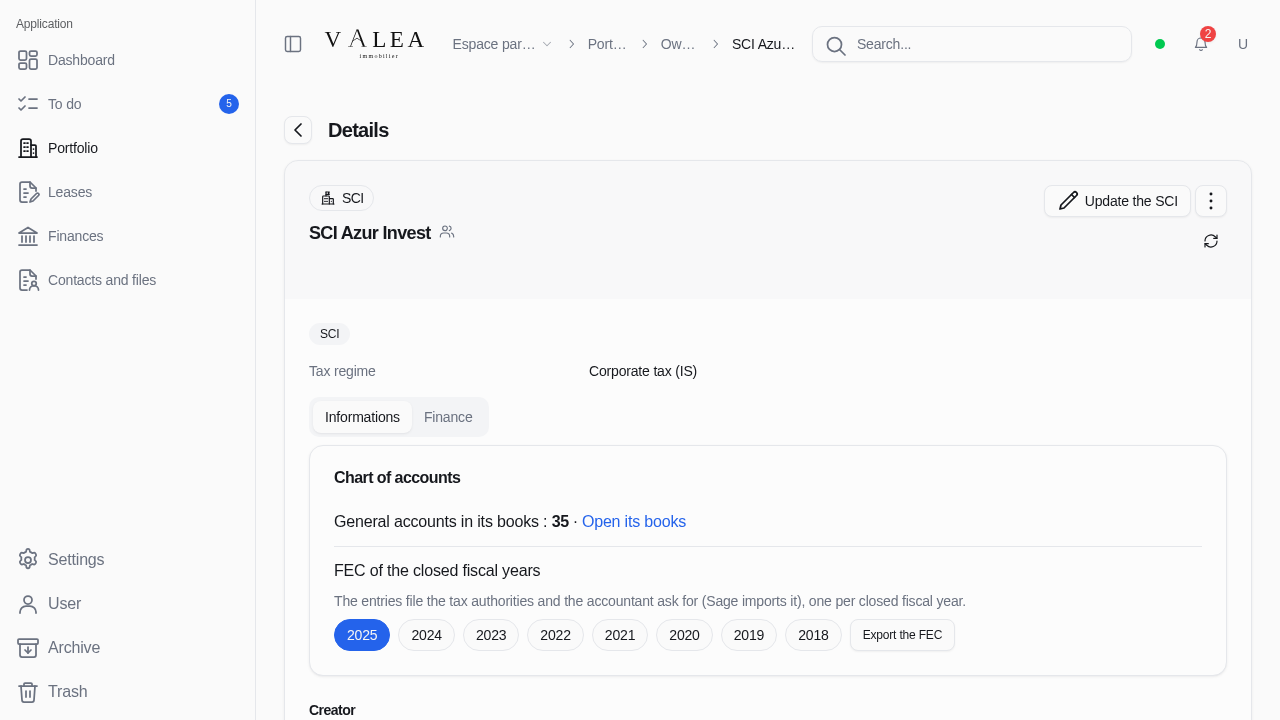
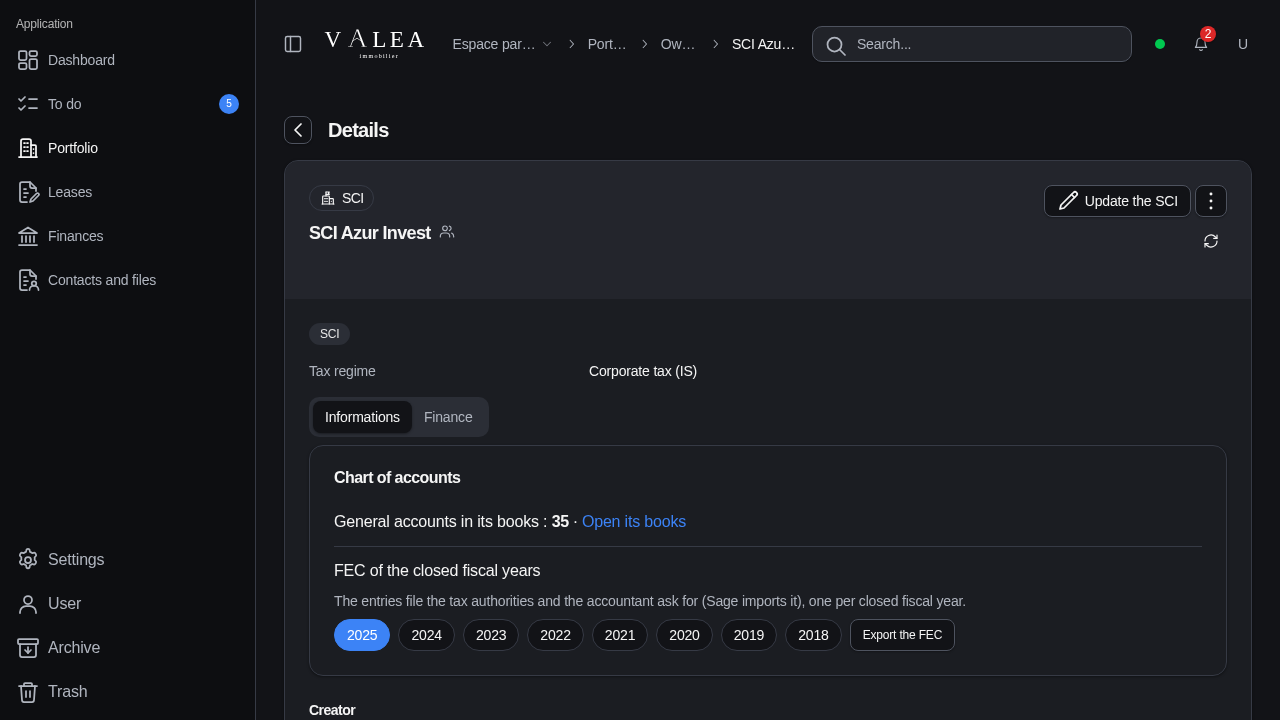
Back on the owners list, open SCI Azur Invest, which lets shops: Corporate tax (IS), it has no 2072 recap. Like SCI Alma, it keeps its own books, and its page offers the FEC of the closed fiscal years, the entries file the tax authorities and the accountant ask for.
Step 5
Export its FEC
Only the closed fiscal years holding entries are offered, the last one chosen, here 2025. Click Export the FEC: the file, named after its SIREN and the end of the year, downloads, and the number of lines exported shows. A fiscal year exports once closed, its entries validated.
Try it with the demo
Discover the app with a demo account filled with sample data.