Create an owner
Record an individual owner, their contact and their accounting account: the starting point of their properties, their leases and their accounting.
Step 1
Open the owners list
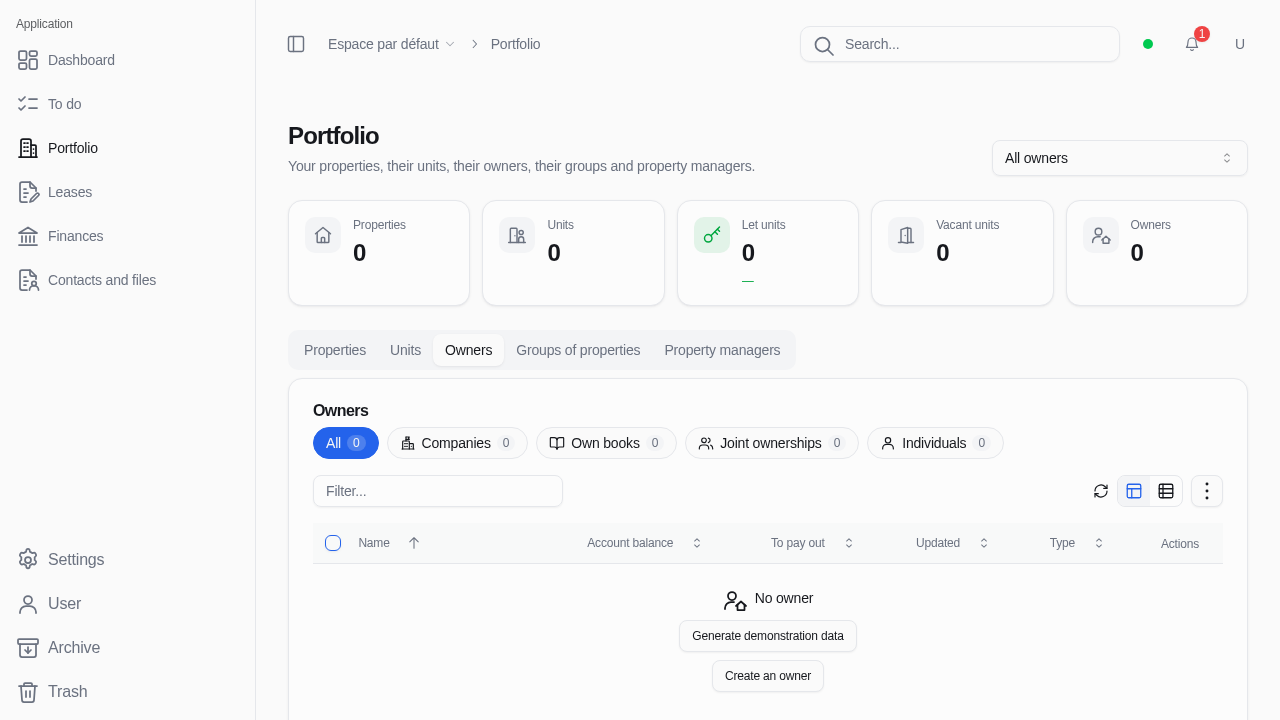
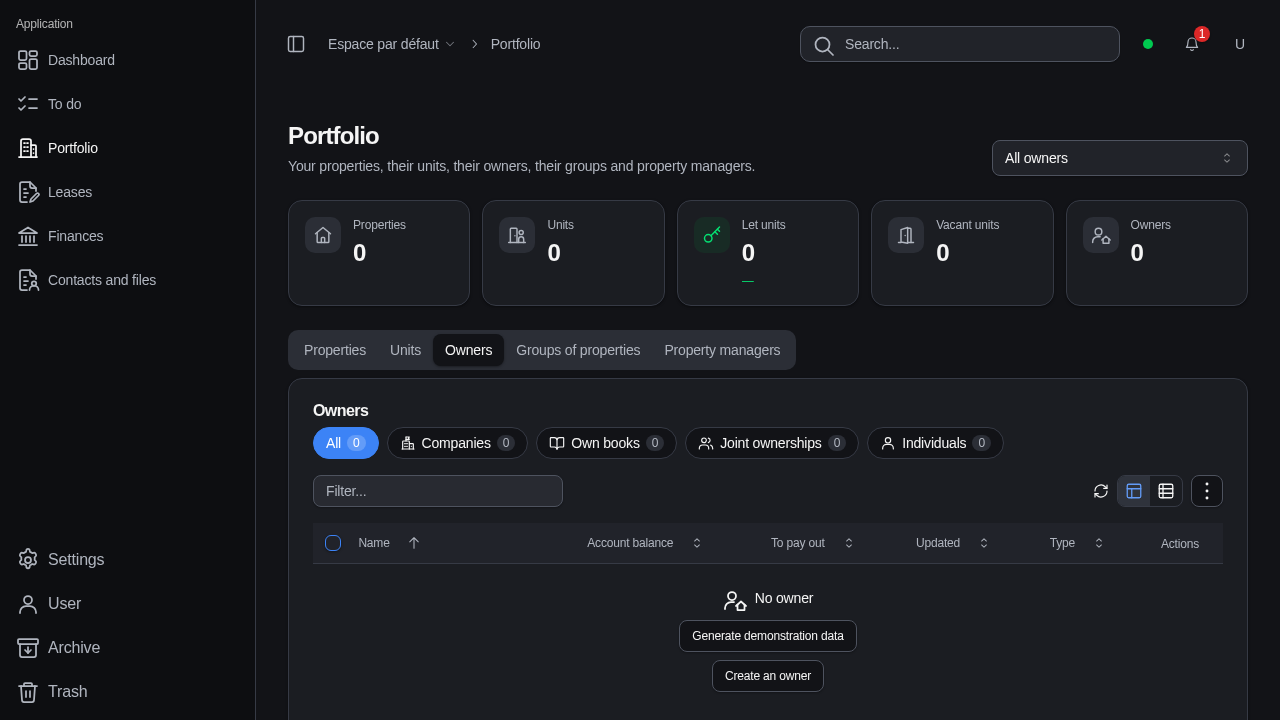
In the sidebar, click Portfolio, then the Owners tab. A new account has none yet: the Create an owner button opens a page offering each kind of owner.
With my agent
Connect my assistantList my owners.You currently have no owners registered in your account.
Step 2
Fill in the owner
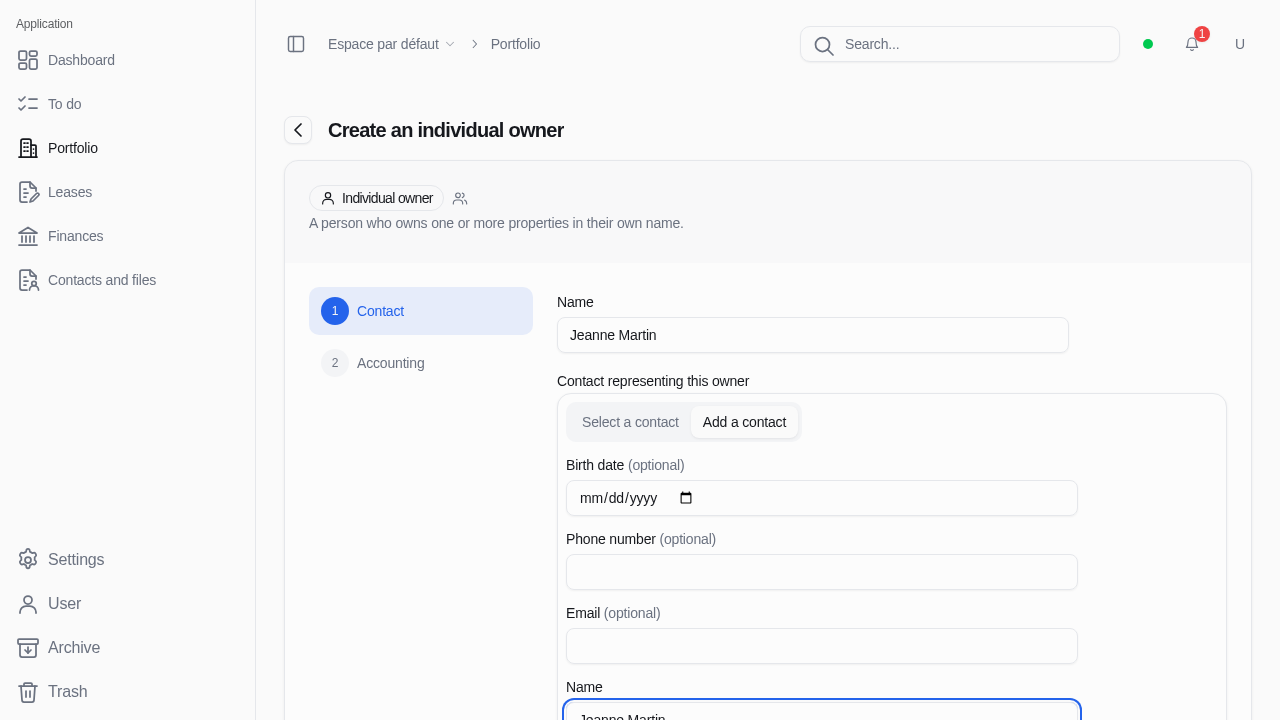
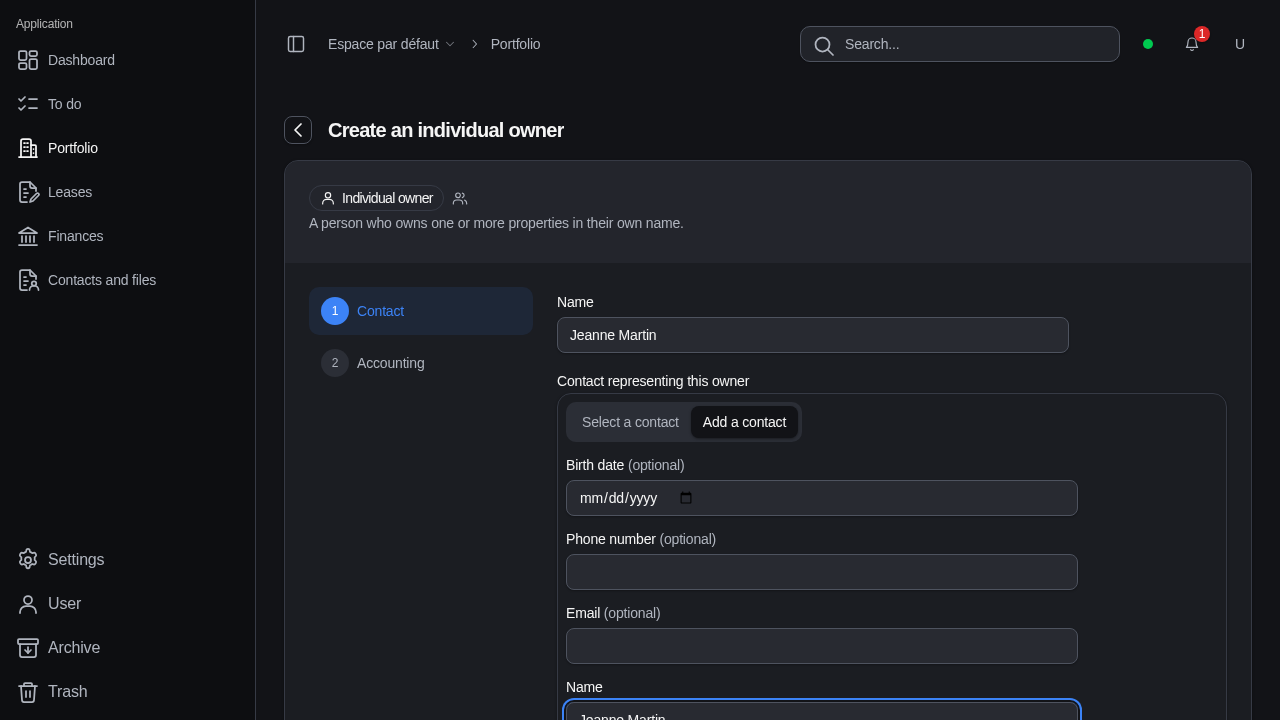
Choose Individual owner, type their name, then, under Contact representing this owner, add their contact: their name, email and phone are used for the sendings.
Step 3
Open their accounting account
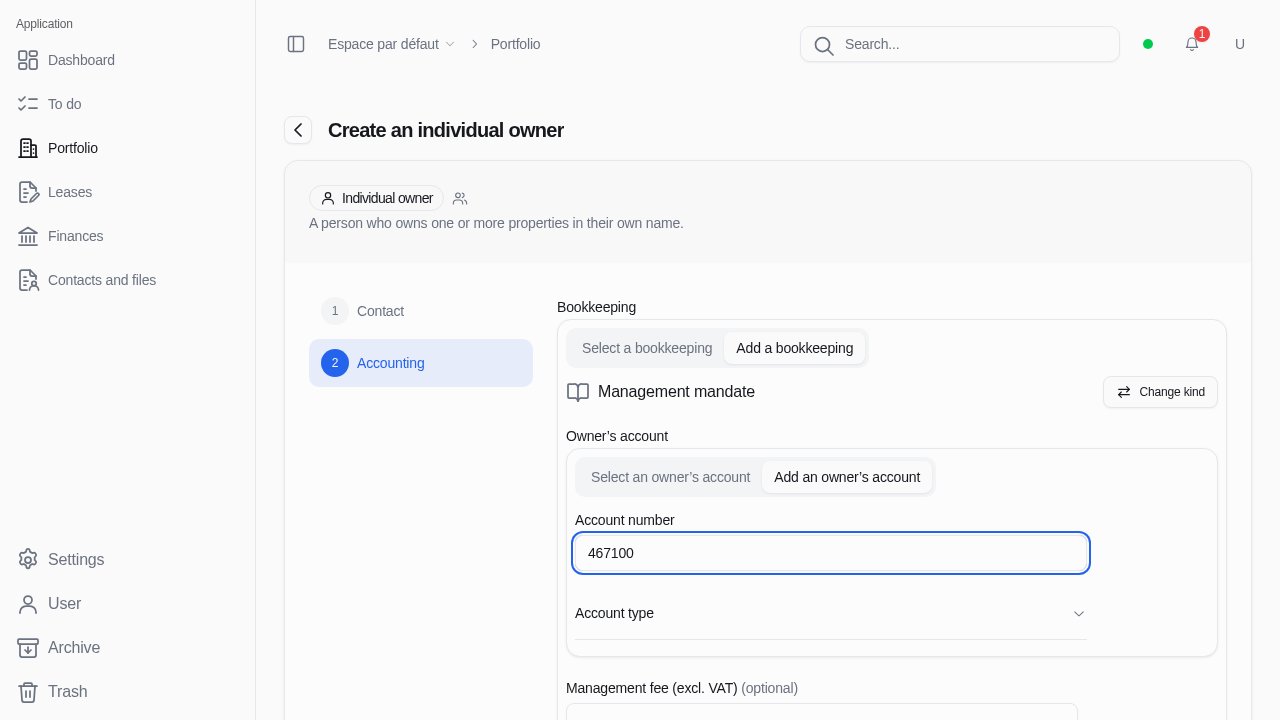
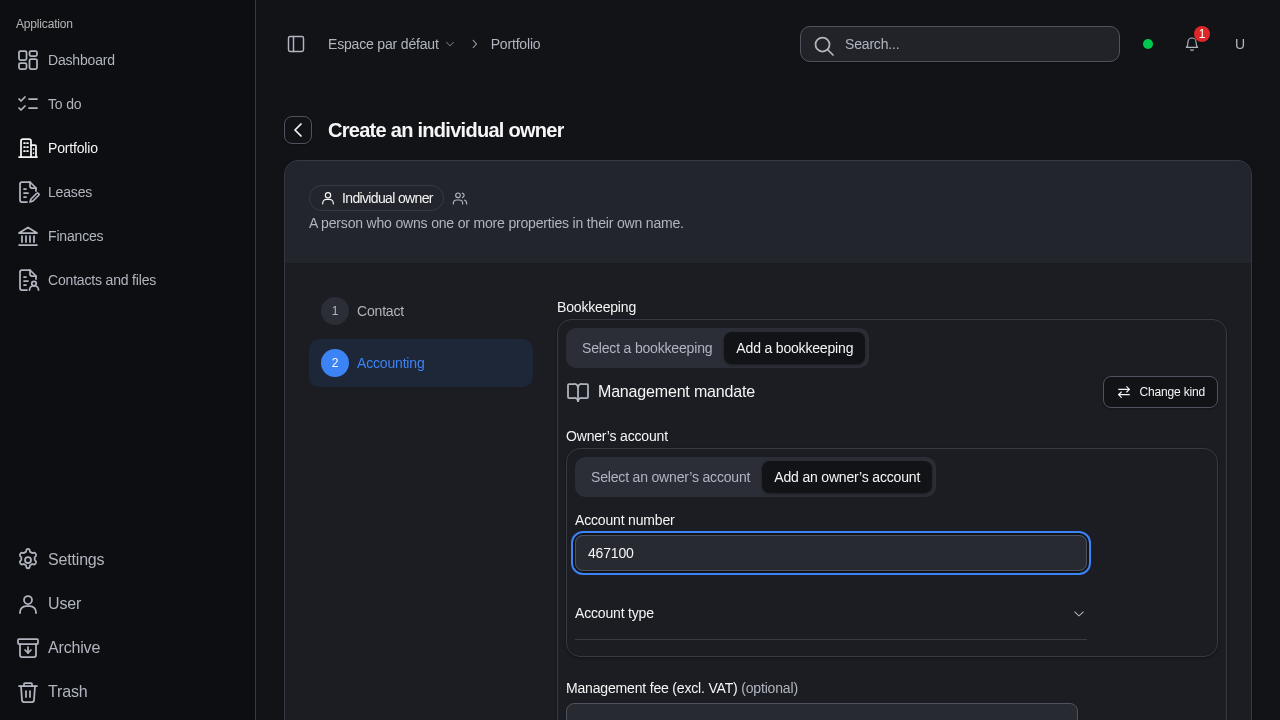
At the Accounting step, type the number of their account: each operation of the owner is posted to it.
Step 4
Save
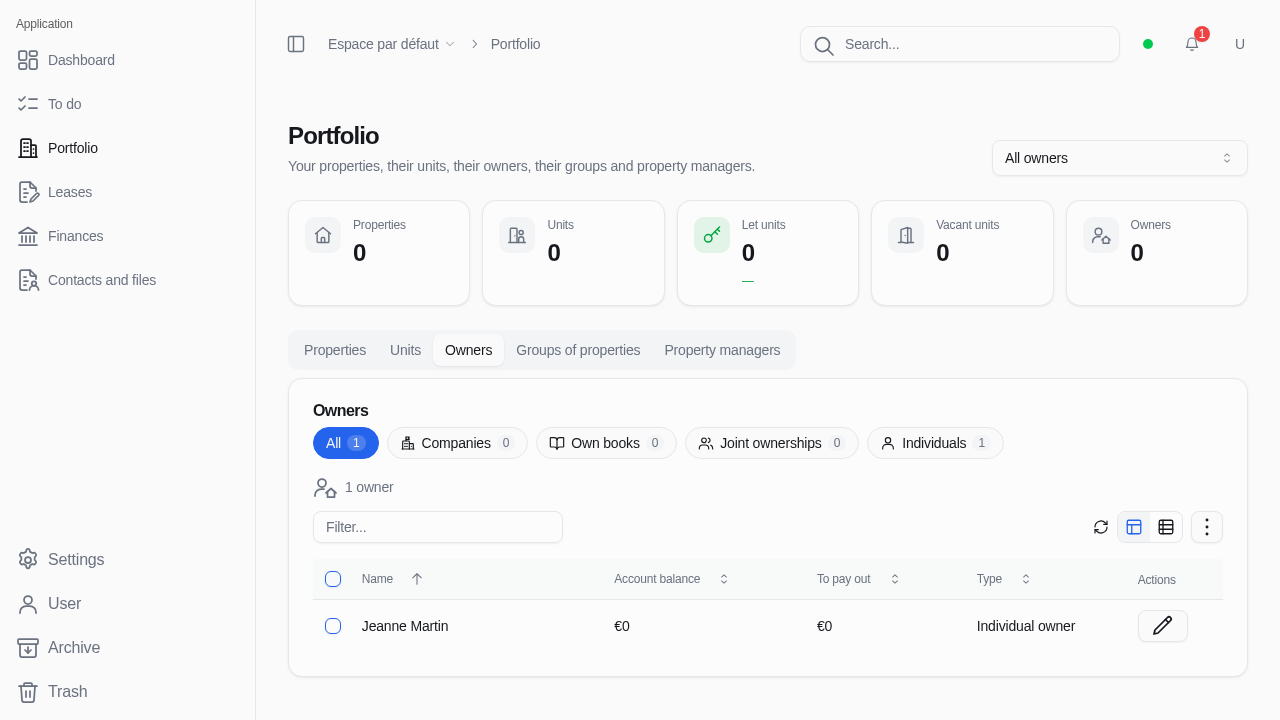
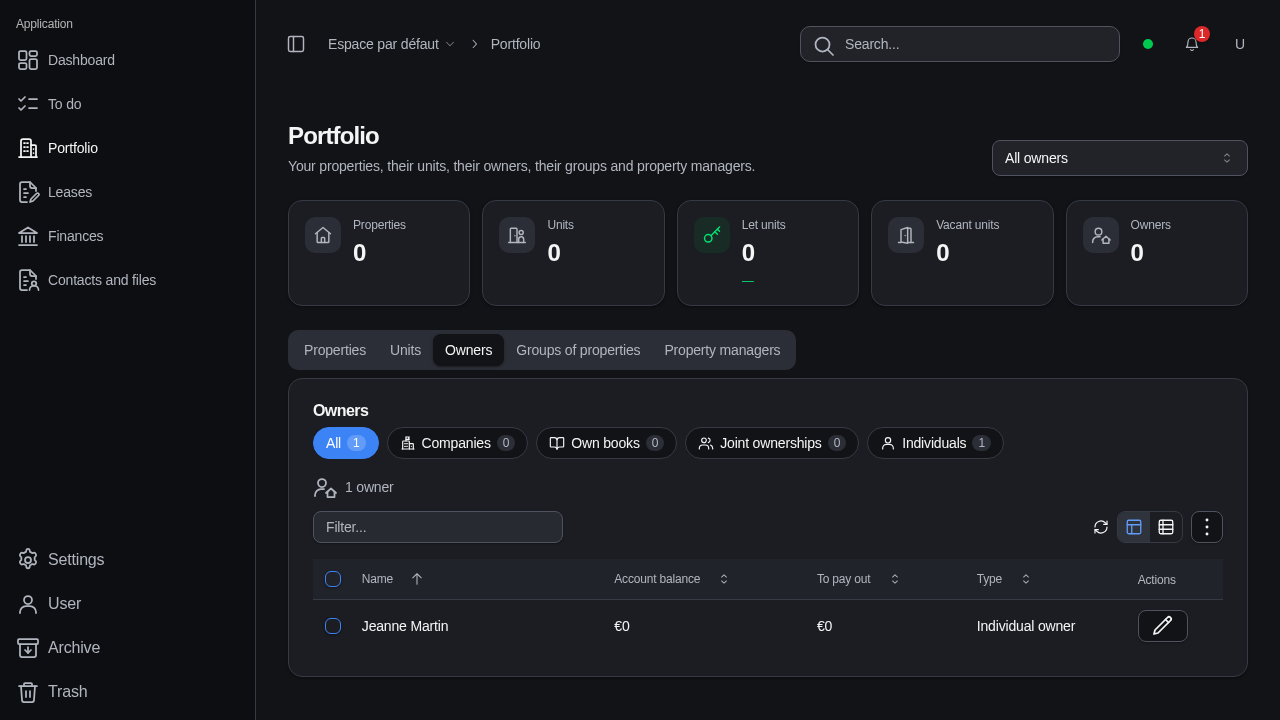
Click Save changes: the owner’s page opens, and they are now in the owners list, ready for their properties and leases.
With my agent
Connect my assistantCreate an individual owner named Jeanne Martin, with a contact of the same name, and the account number 467100.The individual owner Jeanne Martin has been created with:
- Contact: Jeanne Martin
- Account Number: 467100
- Account Type: Liability
Try it with the demo
Discover the app with a demo account filled with sample data.